PHP2Shell: What to Know About CVE-2026-109618 and -109619

|
October 29, 2026
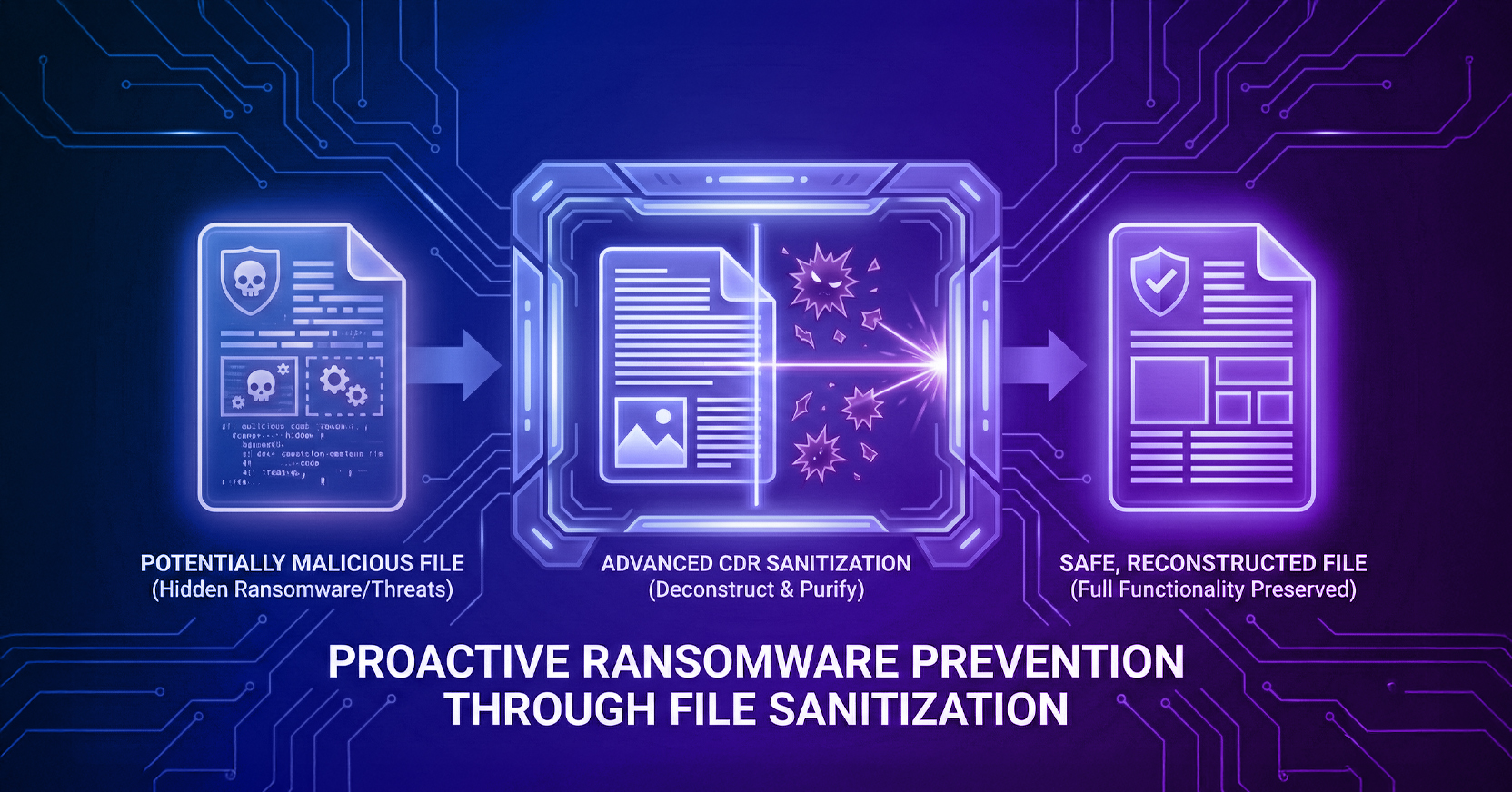
Abstract graphic representing the PHP2Shell vulnerability (CVE-2026-109618 and CVE-2026-109619) and web server attack vectors.

On October 21, 2026, the PHP project released emergency fixes for two critical flaws in PHP itself, CVE-2026-109618 and CVE-2026-109619, nicknamed “PHP2Shell.” Researchers at Calif (working with OpenAI) and Wiz discovered them, and both are rated critical (CVSS v4.0 9.2). Together they can let an attacker take over a web server with a few crafted requests: no password, no user action and no mistake in the website’s own code. Because this happens beneath the application, website logs and firewalls may show little.

The same day, the NSA urged organizations to patch immediately, warning that cyber actors are likely to weaponize the flaws to steal data, disrupt services and move deeper into networks. Details leaked online the day before the official release, and public exploit code is already circulating. watchTowr has observed exploitation attempts against both flaws in its honeypot network, though major threat intelligence firms have not yet reported successful attacks. The window to patch is closing fast.

PHP runs a large share of the web, from WordPress and online stores to internal portals and the admin screens of network appliances. Internet scans cited by Recorded Future found about 4.4 million internet-facing PHP services at disclosure, and roughly 79% of those that report a version run a branch that no longer gets updates. Every one of those sites is exposed until it’s patched.

Recommendations

  1. Find every system that runs PHP, including vendor appliances. Palo Alto Networks, for example, has disclosed that its PAN-OS and Panorama management interfaces are affected.
  2. Patch now. Update to PHP 8.5.12, 8.4.27, 8.3.36 or 8.2.35, or install your Linux vendor’s patched package, then restart PHP workers. Only updating fully fixes the problem. Version 8.1 and older get no official releases, so plan to retire them.
  3. Shield internal apps you can’t patch yet with Secure Application Access. Menlo Secure Application Access provides application-level protection. It hides apps from the internet and also controls what traffic can reach them, so it protects them even from attackers who can reach the application.
  4. If you can’t use Secure Application Access, at least restrict the network path. A VPN-type solution, ideally with device posture checks, limits who can reach the server, but not what traffic they can send to it.
  5. Take offline anything you can’t protect. The NSA advises this for any internet-facing system that can’t be updated right away.
  6. Add the server-side stopgap. Setting session.upload_progress.enabled = Off in php.ini, then restarting PHP, blocks one path for CVE-2026-109619 but doesn’t stop CVE-2026-109618. No setting fully fixes either flaw.
  7. Watch for signs of compromise, such as crashing PHP processes, new web shells or unfamiliar accounts.

How It Works

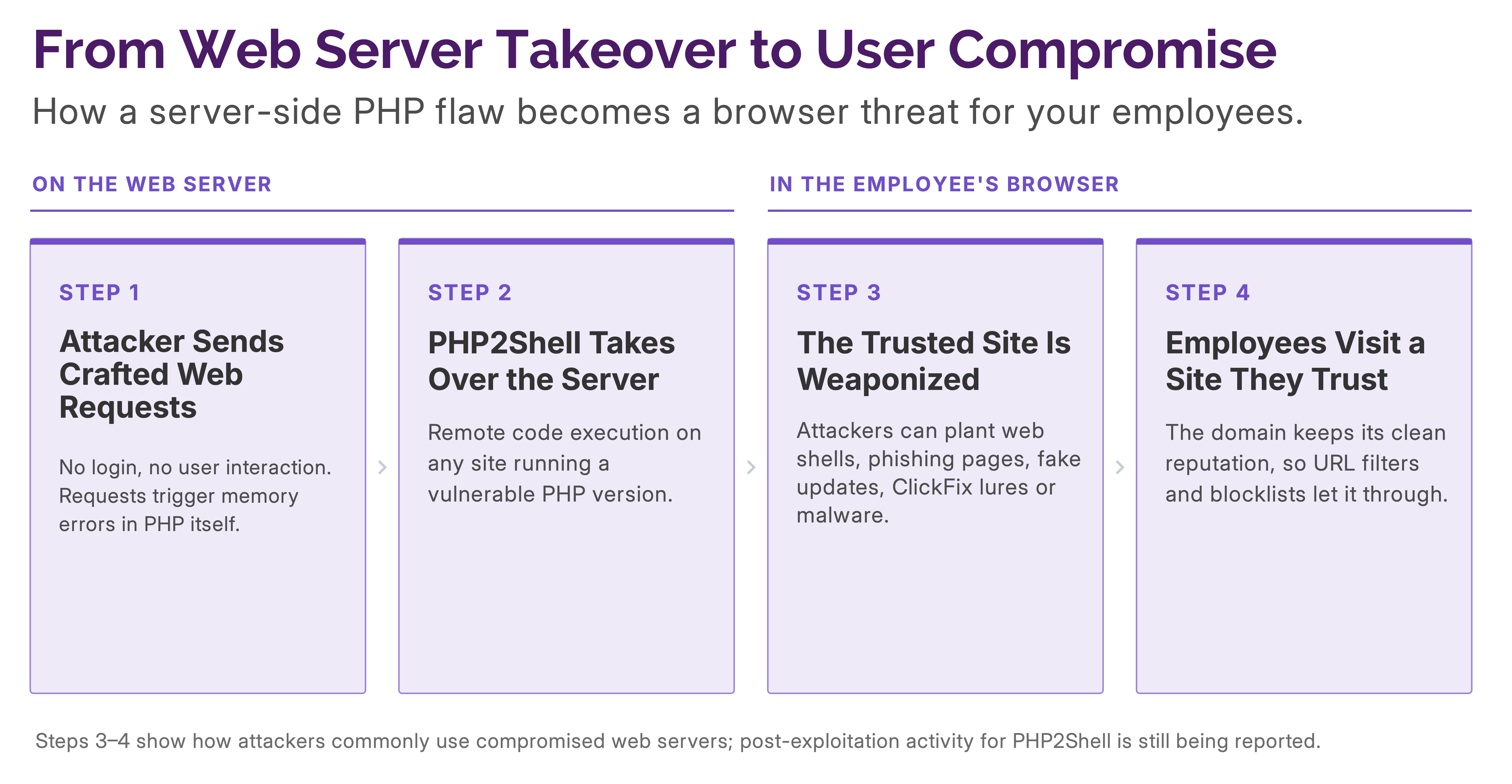
Both flaws are in how PHP cleans up after an error. An attacker sends requests designed to make PHP crash or run out of memory. PHP is then left using data it shouldn’t trust:

  • CVE-2026-109618 leaves half-built request data that PHP treats as valid. (Advisory)
  • CVE-2026-109619 leaves stale data behind for the next request to reuse. (Advisory)

Either flaw can lead to a full server takeover. Because this happens beneath the application, website logs and firewalls may show little.

Why It Matters Beyond Your Servers

Patching protects your own servers. It doesn’t protect your employees from the thousands of other websites that won’t be patched in time. Most servers get PHP through Linux distribution packages, so fixes take time to test and roll out, and poorly maintained sites may never get them.

Hacked legitimate websites are valuable to attackers because they keep their good reputation. Attackers can use them to host phishing pages that run unnoticed for months, fake software updates and malware, redirect visitors to scams and malicious downloads, and poison search results and ads. URL filters that judge sites by their history let that traffic straight through. Stopping it takes analyzing what each page actually does when it loads.
‍

Limiting the Fallout: How Menlo Security Helps

Menlo Security is not a fix for PHP2Shell; patching is. Menlo limits the damage in two ways: it shields the internal apps you can’t patch yet, and it protects your users from the websites that won’t be patched.

RiskHow Menlo Helps
Employees visit a trusted site that’s been hackedThe Menlo Secure Cloud Browser runs the page in the cloud, so malicious code or content never reaches the employee’s device.
Phishing pages and fake updates planted on legitimate sitesHEAT Shield AI, powered by Google Gemini, uses intent-based detection to understand what a page is trying to do and blocks it if malicious, even when the site’s reputation is clean. It stops credential phishing and fake CAPTCHA (ClickFix) lures in real time by using Vertex AI Gemini models, computer-vision logo detection and DOM input-field analysis.
Malware downloads from hijacked sitesMenlo File Security rebuilds downloaded files with only safe, known-good content, so hidden malware never reaches the user.
Internal PHP apps you can’t patch yetMenlo Secure Application Access provides application-level protection. It hides internal apps from the internet and controls what traffic can reach them. Users reach the app only through a dedicated cloud browser and its normal interface, so no one, even an attacker who can reach the application, can send the hand-crafted requests PHP2Shell depends on. It also protects apps from compromised or untrusted devices.

Table 1: How Menlo Security limits the damage from PHP2Shell.

Conclusion

PHP2Shell is critical, easy to weaponize and under heavy attack, with no confirmed compromises yet. Patch now, find every system that runs PHP, retire what you can’t fix and shield what you can’t retire. But patching protects your servers, not your people. When the websites they trust are the ones that get hacked, prevention has to extend to the browser. Learn how Menlo Security shields internal apps and stops web-borne attacks before they reach your users at menlosecurity.com.

Menlo Security
menlo security logo
linkedin logotwitter/x logoSocial share icon via eMail
See the Menlo Browser Security Platform in Action