The simple answer is yes. That’s because the browser has evolved from a simple window to the web to the place where work happens. Email, CRM, HR systems, code repositories, file sharing and now GenAI tools all live behind a browser tab.
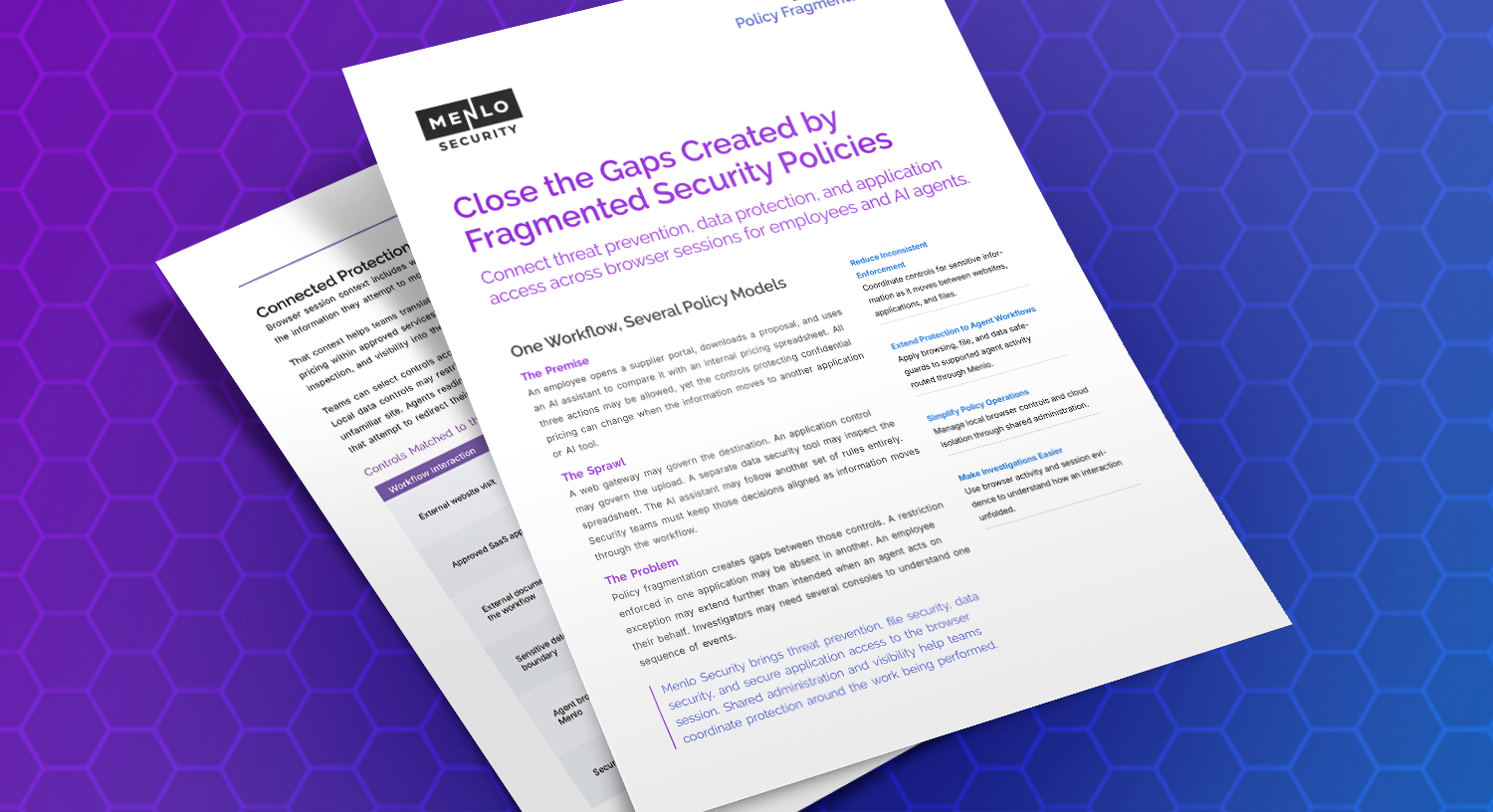
That shift moved your most valuable data—and your attackers—into a place that your security stack was never designed to watch. Firewalls and SWGs see traffic. EDR sees processes on the endpoint. None of them sees what a user does inside a browser session: what gets copied, pasted, uploaded, printed or typed into an AI prompt, or what a browser extension is doing in the background.
The lack of clear ownership is one reason that the browser security gap has persisted. The browser touches every security and IT function, yet no single team owns it. The network team, the endpoint team, IT, identity and GRC each see one slice, and each reasonably assumes someone else's tools cover the rest.
So when someone says, “We haven’t had a browser incident,” the follow-up question is: “How would you know?” If nothing is watching the browser, the first sign of trouble is often a breach or a data leak, and the incident response team is left to find out where the problem began.
A secure enterprise browser closes that gap by putting security policy, data controls and visibility where work actually happens. The real question is no longer whether you need one, but how to get one without disrupting your users, upending your team, or replacing your security stack.
Most teams know the browser is a gap. What stops them is the cost of closing it. A proprietary replacement browser means a migration project, user retraining and help-desk tickets. It only pays off once every user is forced onto it, and it still leaves BYOD and unmanaged devices uncovered. Native enterprise browser controls are options, but they don’t fit most enterprises. Chrome Enterprise and Edge for Business each protect their own browser, and most companies run both. Neither delivers zero-day phishing protection or content disarm and reconstruction (CDR) for files.
You don't need a new browser to get a secure enterprise browser. With the Menlo IRIS Browser Extension, the browsers your people already use become secure enterprise browsers. You can go from proof of value to deployment quickly and easily.
The Menlo IRIS Browser Extension installs directly on the browsers your users already have. It enforces data protection, web governance, GenAI guardrails, threat prevention, extension visibility and file security right inside the browser session, where work happens.
That changes the math on browser security:
Menlo IRIS is built to complement your existing stack. Menlo IRIS covers the features that are mandatory for an SEB, then goes further with add-ons for zero-day threats and file sanitization.
See which AI sites and tools are in use, steer people toward sanctioned ones and control what data moves into them. Category-based web filtering applies to GenAI and every other destination, so you can govern AI use without a blanket ban that doesn't fit how people work.
Copy, paste, upload, download, print and screenshot are ordinary actions that most legacy tools never see. Menlo IRIS enforces clipboard, upload and download controls, watermarking, print controls, read-only pages, developer-tools restrictions and screenshot deterrence. Predefined and custom dictionaries protect your crown jewels, and policy can be tailored by user, group, domain and location.
An extension can be hacked, sold to a threat actor or updated silently from the Web Store, so its risk can change overnight with no notice. Menlo IRIS gives you a fleet-wide inventory of third-party extensions, with risk insight for each one.
Files moving through the browser are inspected inline with pattern, regex and dictionary-based DLP, plus hash matching, antivirus and cloud sandbox analysis. Add file sanitization (CDR), an add-on to Menlo IRIS, to remove malicious content and deliver a clean, usable file instead of just blocking it.
AI-powered threat detection with HEAT Shield AI, an add-on to Menlo IRIS, looks at what a page is actually doing, so brand-new phishing sites, malvertising and social-engineering attacks are stopped at click time, before they show up on any blocklist.
Require users to authenticate before they reach sanctioned internal resources. Every browser and extension event is logged, correlated and searchable, giving teams working toward SOC 2, HIPAA and GDPR an audit trail without standing up a full SOC.
Your users face the same browser-based threats as those in the largest multinational enterprises. Menlo IRIS gives you a secure enterprise browser without a rip-and-replace migration, new infrastructure, or a platform project to staff and maintain.
Ready to close the browser security gap?
See how Menlo IRIS delivers right-sized browser security, in the Buyer’s Guide
Menlo Security