Executive Summary
A ClickFix campaign using attacker-created ChatGPT Custom GPTs shows how familiar AI services can lend credibility to malicious instructions. Users searching for ChatGPT followed a sponsored result to a Custom GPT that directed them to a supposed backup service. A fake verification page then persuaded them to execute a PowerShell command, beginning a malware infection. The campaign illustrates why trust in an AI platform cannot automatically extend to the third-party experiences it hosts or the actions they recommend.
Enterprises need protection throughout that journey, including inspection of linked pages and controls over browser interactions. Menlo HEAT Shield AI provides a relevant opportunity to identify and block deceptive verification pages before users act. Meanwhile, the Menlo Cloud separates active web content from the endpoint, while configured interaction restrictions can constrain its transfer to the device. Endpoint defenses remain important because a command manually executed in local PowerShell runs outside the isolated browser session.
The reported attack targeted people, but it also raises questions for AI assistants and agents that encounter web instructions while completing legitimate tasks. Their potential exposure depends on the tools, permissions, and oversight available to them. Menlo Agent Runtime Security (MARS) extends content sanitization, per-agent access policies, and session visibility to supported workflows routed through the platform. Together, these controls help enterprises govern how unfamiliar content influences employee and agent actions as AI adoption expands.
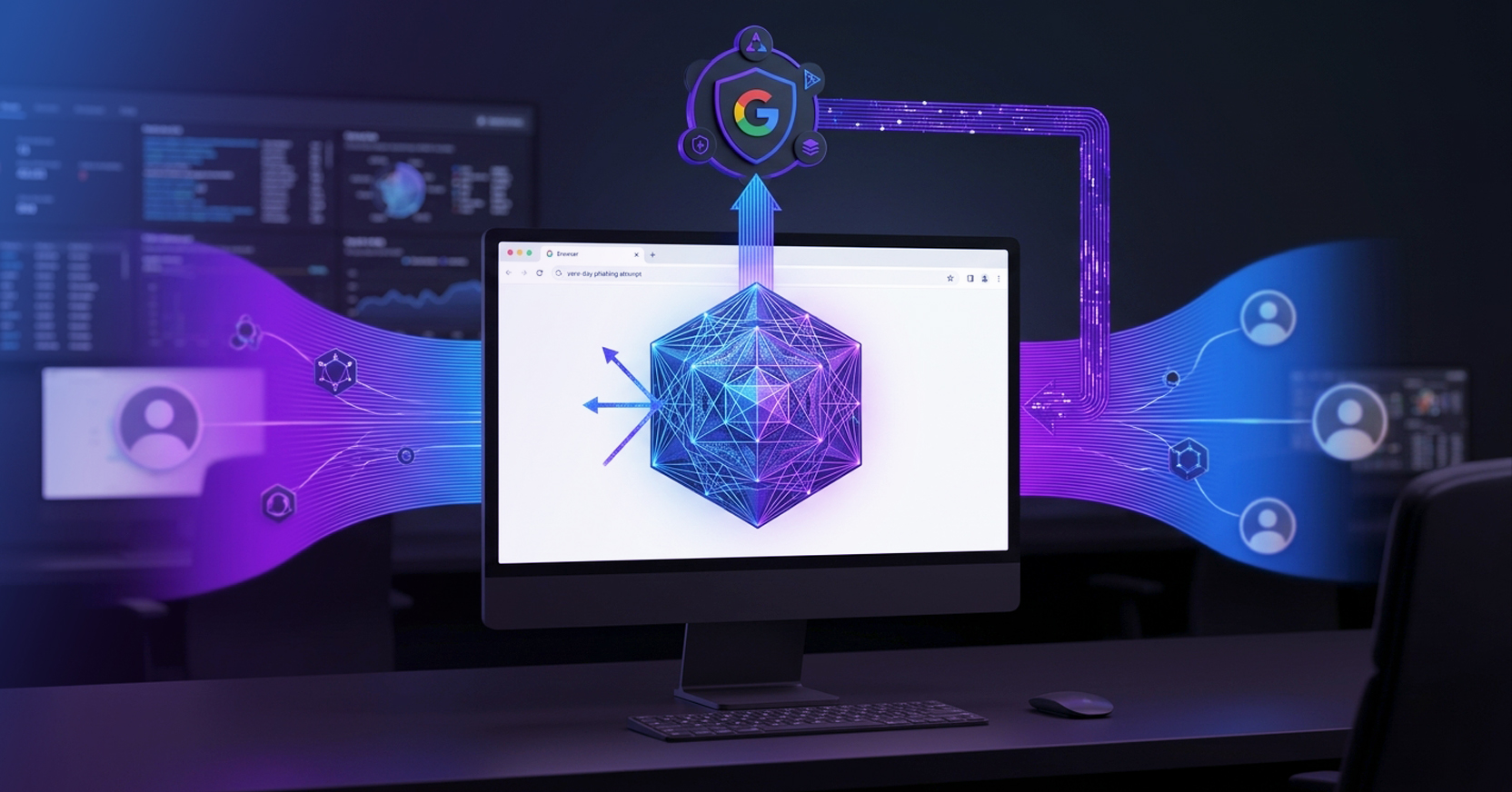
Searching for ChatGPT should be an ordinary start to the workday. In a recent campaign reported by SecurityWeek, users followed a sponsored Google result to an attacker-created Custom GPT hosted on ChatGPT.com. Once there, they received a notice directing them to a supposed backup service. The destination, hosted on Google Sites, displayed a fake Cloudflare verification screen that instructed them to execute a PowerShell command. The command downloaded and ran a malicious installer, beginning an infection that ultimately delivered remote access malware.
The attacker built credibility through familiar services. A user who recognized ChatGPT, Google, and Cloudflare could interpret the sequence as a routine access problem followed by a verification step. That familiarity gave attacker-controlled instructions an appearance of legitimacy. By the time the page requested an action on the user’s device, it had already supplied a plausible reason to comply.
Approving an AI service does not establish the safety of every third-party experience it hosts. Enterprises also need to examine the instructions employees encounter and the actions those instructions request. Although this campaign targeted people, assistants with browsing and tool access may encounter similar attempts to redirect their work.
A Custom GPT can carry instructions supplied by its creator. Its presence on ChatGPT.com tells the user where it is hosted, but does not establish that it is an official OpenAI offering or that its guidance is trustworthy. That distinction can be easy to overlook when someone arrives expecting to use a familiar service.
In this campaign, attackers named their Custom GPT “Plus 5.6” and used a sponsored search result to put it in front of people searching for ChatGPT. A notice then claimed limited availability through the primary domain and directed users toward an alternative. Together, the name, placement, and explanation gave the redirect a plausible purpose: helping the user regain access to the service they wanted.
The next page sustained that impression. Google Sites provided a recognizable hosting domain, while a fake Cloudflare verification screen presented the requested action as a prerequisite to continue. The sequence illustrates how attackers can borrow credibility from legitimate services without compromising their underlying platforms. Each step gives the user a reason to accept the next one.
Menlo Labs documented a related approach in a separate campaign targeting macOS users through a fake Xcode download site. Familiar branding and an installation-style dialog presented a Terminal command as a step toward opening Xcode in the Mac App Store. For developers accustomed to command-line installation, the request could fit their expectations. The two campaigns show how attackers make malicious instructions appear relevant to the task someone is already trying to complete.
For security teams, the practical lesson is to assess the content and behavior within the interaction. A familiar domain can host third-party instructions, and recognizable branding can disguise an unusual request. When a supposed verification step asks someone to leave the browser and execute a system command, that requested behavior deserves scrutiny regardless of where the journey began.
The decisive step occurs when the employee runs the page’s command in local PowerShell. That command can download software and make changes on a device that may have access to corporate systems and data.
ClickFix disguises a malicious command as a necessary troubleshooting, verification, or installation step. The user executes it through a legitimate system tool, believing they are completing the task. In the fake Xcode campaign, that tool was macOS Terminal. The attacker’s instructions moved execution from the browser to the device without requiring a browser exploit. Security teams need to recognize that transition, even when command-line activity is normal for the employee’s role.
A reputation check on the hosting domain cannot explain why a verification page needs PowerShell. Security controls also need to examine the page’s instructions and behavior, including whether it asks the user to execute commands or transfers command text to the clipboard.
Endpoint defenses still have an important role in detecting or blocking suspicious command execution, malware installation, and subsequent activity. Browser controls offer an earlier opportunity: evaluating the deceptive page while the user is encountering its instructions. Identifying the lure at that point can interrupt the sequence before the employee carries it into a local system tool.
Inspecting the verification page before the employee acts creates an opportunity to block the lure. Its instructions and behavior can reveal that a supposed browser check is attempting to trigger command execution on the device.
Menlo HEAT Shield AI analyzes pages in real time for deceptive content and behavior, including fake verification flows and ClickFix techniques. Identifying and blocking the lure could stop the employee from reaching the command execution step. This approach evaluates what the page is asking the user to do, extending protection beyond reputation checks.
The Menlo Cloud executes active web content in the browser, away from the employee’s endpoint. Configured clipboard and other interaction restrictions can limit the transfer of content from that session to the local device. A command manually typed or pasted into local PowerShell still executes locally, so page inspection and interaction policies remain necessary to address that handoff.
When an attempted attack requires investigation, Menlo Browsing Forensics can help reconstruct the browsing sequence and the interactions that preceded the suspected compromise. That record gives responders context to correlate with endpoint evidence, including whether a command ran and what followed.
The separate Xcode investigation provides an observed example of this intervention. Menlo Labs reported that HEAT Shield blocked the fake download page as Zero Hour Fraudulent before users reached its Terminal instructions, even though the lure domain had zero VirusTotal detections at the time of analysis. A clean reputation result did not establish that the page was safe; its deceptive content and behavior supplied the context needed to identify the threat.
These campaigns target people, and neither establishes agent compromise. An assistant with browsing and tool access could nevertheless encounter similar instructions while completing an authorized task.
Consider an assistant gathering technical documentation for an employee. It reaches a page claiming that verification is required to view the material. The page directs it to another site or supplies a command described as a repair step. If the assistant treats those instructions as prerequisites for completing its assignment, the attacker’s request can become part of its plan. The apparent obstacle gives it a reason to depart from the authorized workflow.
The consequence depends on what the assistant can do. An assistant limited to generating responses might pass the instruction to the employee as a recommended next step, giving the malicious request additional credibility. An agent permitted to browse independently could follow the redirect. One with access to a shell or software installation tools could attempt execution if its permissions and approval controls allow it.
Before following instructions found on a page, the agent needs to establish whether the requested action belongs to its assignment and falls within its permissions. A request to visit another site, run a command, or install software should be subject to the relevant access policy or approval requirement, even when the page presents it as necessary to continue.
Protecting the assistant in that documentation workflow requires controls over what it reads and where it can go next. Menlo Agent Runtime Security (MARS) extends Menlo’s browser security controls to supported agent workflows, placing enforcement around web and file access routed through the platform.
MARS sanitizes supported web pages and files before an agent consumes them, removing hidden instructions and prompt injection. In the documentation scenario, this could remove embedded instructions intended to redirect the assistant’s task. Visible verification requests still require scrutiny because sanitization does not guarantee that every deceptive instruction will be removed.
Per-agent website and application policies provide another intervention point. If the documentation page directs the assistant to an unapproved destination, an access policy can prevent it from continuing there. This limits the resources available to the agent, even if it interprets the redirect as necessary to finish its assignment. The policy must reflect the task’s legitimate access needs.
Per-agent activity logs and session recordings help security teams reconstruct what the assistant encountered and how it proceeded. Live browser-session takeover also gives an authorized reviewer a way to intervene in a suspicious workflow.
Their reach depends on the deployed integration and the activity routed through MARS. Browser-session controls do not automatically govern every local tool or shell command an agent can invoke. Enterprises, therefore, need to map coverage across the workflow and pair it with permissions and approval requirements for consequential actions.
An employee trying to access ChatGPT should not have to decide alone whether a convincing verification page is safe. Guidance should make clear that browser verification never requires running a system command, while browser controls inspect and restrict the interactions that make such attacks possible.
For assistants and agents, enterprises should define which destinations and actions each assignment permits, require approval for consequential operations, and verify that enforcement covers the tools involved. This gives both employees and agents a controlled way to continue legitimate work when unfamiliar content requests an unexpected action.
Schedule a Demo to see how browser protection and MARS can help secure employee and agent workflows as your organization adopts AI.
Key Takeaways
Menlo Security