Menlo Closes the Loop on Zero-Day and AI Agent Attacks with New Google Security Operations Integration
Details



Threats are hidden within everyday files, making them incredibly hard to spot—no matter how much enterprise training you may do. Each time an employee downloads a file from the internet, they open the entire business up to cyber attacks that can lock down systems, compromise private data, and lead to millions of dollars in ransomware. The same goes for any third-parties using your network, including vendors and trusted partners.
What enterprises need is a zero trust file security solution that takes a proactive approach. One that stops file-borne malware from crossing digital boundaries and entering sensitive ecosystems without manual intervention.
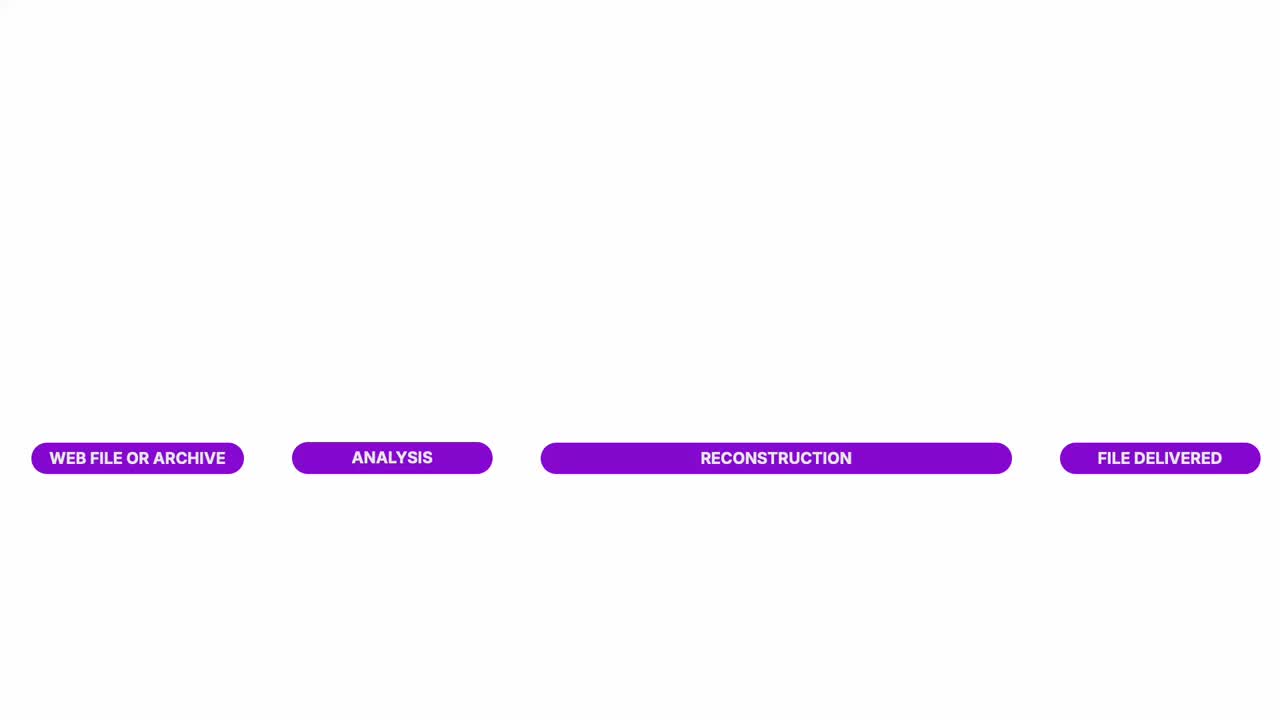
We call this Menlo File Security—a defense-in-depth solution that combines next-gen Content Disarm and Reconstruction (CDR), sandboxing, antivirus, and hash check under one roof to ensure that browser downloads are never second-guessed and productivity goes on without a hitch.
Our guide to CDR takes a deep dive into the types of file sanitization on the market, why it's important for true security, and how Menlo goes above and beyond to keep files safe.


In the era of GenAI and remote access, today’s threat prevention tools aren’t enough to stop zero-day malware. Next-gen antivirus can’t keep up with malicious threats and never-before-seen exploits, while sandboxes implemented alone are unable to prevent common intrusion tactics. Meanwhile, reactive tools like EDR and DLP are great at alerting to a breach, but do little to prevent it from happening in the first place. Even then, security teams are left scrambling and running damage control.
Built, trained, and honed by experts with deep understanding in file composition and weaponization, we’ve developed a zero trust approach to secure files downloaded via the browser. Our patented, Positive Selection® technology is an advanced form of Content Disarm and Reconstruction that doesn’t just block threats and flatten files, but actively eliminates known and unknown malware from being downloaded in the first place, all while maintaining full file functionality. It's the best of both worlds—safety and productivity.
The clientless, cloud-native path to retiring your vulnerable VPN.
VPN Replacement

Deliver zero-trust through standard browsers with zero infrastructure changes, removing the high cost and complexity of legacy ZTNA.
Zero Trust Access
Eliminate the cost, complexity and performance issues of VDI with a streamlined, cloud delivered solution that secures access for alll users and devices with no infrastructure overhaul
VDI Reduction
Enable agentless secure access to SaaS and private apps for unmanaged devices while ensuring compromised endpoints never reach your apps, files, or data
BYOD Security
Go beyond traditional signatures-based detection and protect against unknown phishing attacks targeting the browser with real-time, AI-powered threat prevention.
Phishing Prevention
Stop polymorphic ransomware in the cloud before it ever reaches your devices or penetrates your network perimeter.
Evasive Ransomware
Gain unprecedented visibility into browser sessions for fast incident resolution, threat hunting, audit/compliance, and more.
Browsing Visibility
Enable safe access to generative AI platforms while protecting enterprise data and intellectual property.
Generative AI Governance
Stop file-borne threats that go beyond the browser, including web downloads, portal uploads, and email attachments.
File Security
Use zero trust security to isolate your people and data from threats while providing fast, secure access to apps.
Government Agency Security
All that you expect from SSE with lower cost and complexity, plus browser security.
Browser SSE
Take a self-guided tour to see how Menlo blocks attacks, secures apps, and provides browsing insight.
Product Demos and Tours
Answers to the burning questions in your mind.


Unlike detection-based solutions like standalone AV, EDR, and DLPs that scan for suspicious elements and block and/or flatten some malicious files and miss others, Menlo’s technology automatically rebuilds every single file to deliver 100% safe content without the need to detect malicious elements—no blocking, just proactive prevention.
Email: Completely secure every email attachment and suspicious URL.
Web Applications: Sanitize uploaded files via web portal.
Web Browser: In just milliseconds, user downloads are disarmed and rebuilt.
Collaboration Tools: User-to-user file sharing is made secure in real-time.
Content Disarm and Reconstruction happens in real-time, in just milliseconds, leaving the experience completely transparent to end-users. This includes an initial AV scan and hash checking that is near-instantaneous within the CDR process. For sandboxing, the process is as short or as long as the security team deems necessary.
No. Menlo File Security is agentless and integrated via open API depending on the use case. In cases where organizations require on-prem installation, Menlo can accommodate.
As an established browser-agnostic security solution, Menlo natively protects customers from malicious web downloads that move beyond the browser.
Absolutely. Our in-depth threat analytics provide teams with the following:
File type and origin – whether the threat came from an email attachment, browser download, API, or cloud collaboration tool.
Type of malicious content removed – including macros, scripts, exploits, and ransomware payloads.
Hashes, file names, and behavioral indicators – identifiers that trace how similar threats evolve or spread.
Recurring campaigns and targeted users – highlighting which departments, users, or workflows are being probed most frequently.
Menlo can sanitize and rebuild over 220 different file types. This includes complex ones like ZIP, archives, and password-protected files.
For a full list, head here.
Take a self-guided tour to observe some of the ways that Menlo products enable secure app access, block sophisticated attacks, and provide critical insight into browsing sessions.
See exactly how Menlo can be tailored to solve your unique security challenges. We offer a live demo customized to your teamʼs goals, showing you how to secure your stack and protect your users. A truly secure browsing experience is one click away.


Discover why organizations around the world rely on Menlo Security to protect the enterprise and enable secure access to applications, preventing attacks that legacy security tools cannot stop.
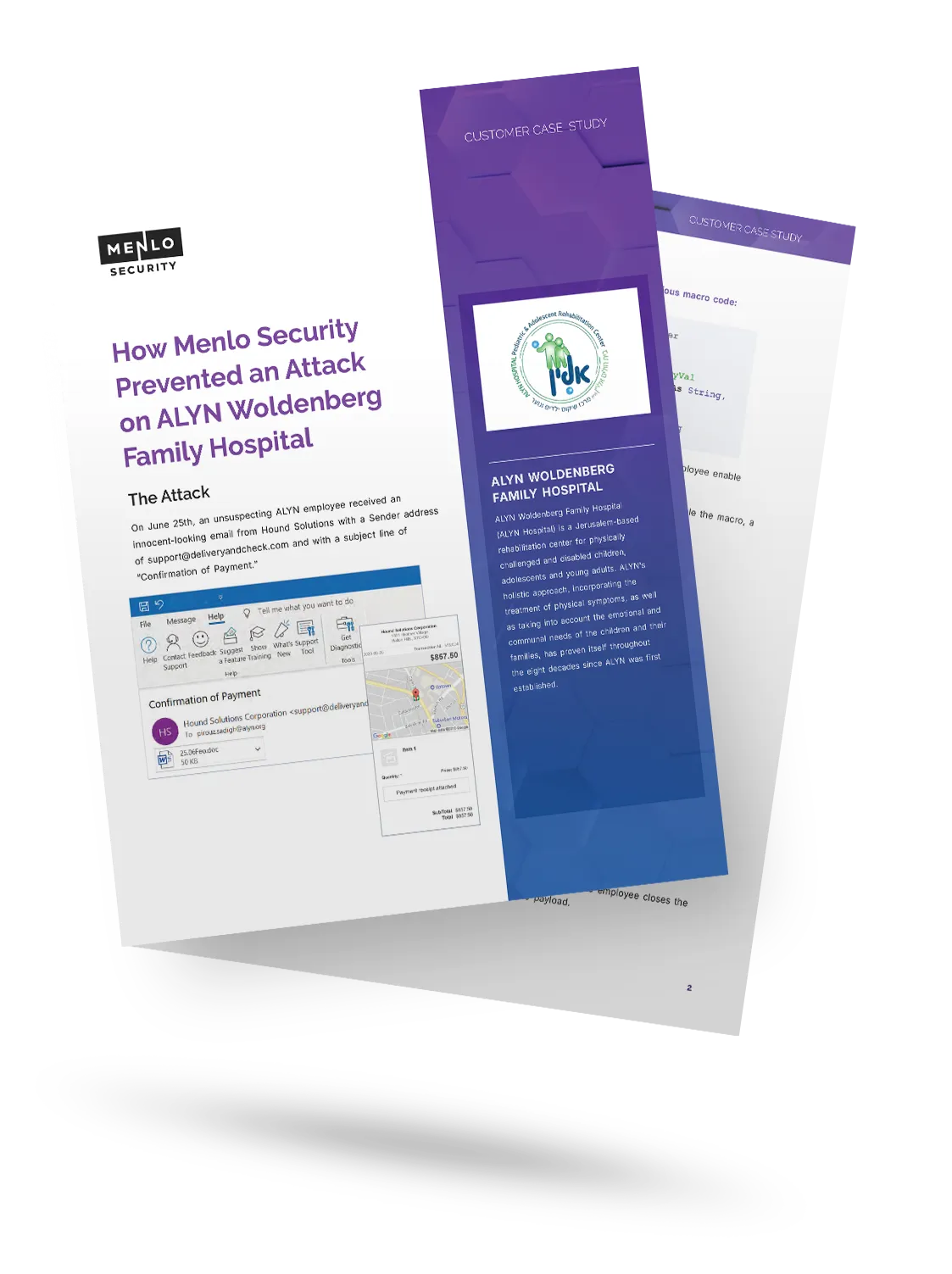
Jerusalem's ALYN Hospital , a pediatric rehabilitation center, was targeted by a sophisticated phishing email containing a weaponized Word document. The attack used malicious macros and evasion techniques to bypass traditional detection. By using Positive Selection technology , the malicious macro was automatically stripped from the file before the employee opened it, instantly neutralizing the threat. This provided 100% protection and gave the hospital the flexibility to safely download files, a capability their previous vendor, which blocked 70% of desired files, could not offer.

"Menlo was easy to roll out and integrates well with our security and technology stack in the cloud.”

“To employees, Menlo is completely transparent, allowing users to navigate a completely functional web resource.”

“…allows Synapxe to protect its assets from malicious threats without impacting the native user experience.“

“I wanted a layered approach that would protect users from web-based threats without slowing down their ability to get work done.”

“The platform has decreased our remediation needs, while reducing patch pressure.”

“Menlo Security helped us eliminate the possibility of a malware infection, rather than just detecting and removing an infection.”
“Before, we had to manually examine every single potential malware problem. Now, my job is much easier…with the Menlo Secure Cloud Browser.”
“Menlo takes care of all the unknown risks running rampant around the internet.”
“Zero-client,easy scaling, and cloud provisioned versus appliance.”
“Menlo Secure Cloud Browser provided the scalability to ensure that users world wide have the same transparent experience and unyielding protection.”
“[Menlo has] eliminated the need to manually apply and update policies across an increasingly distributed IT infrastructure.”
“Menlo provides protection from email-based malware embedded in links and attachments without impacting the user’s native email experience.”