New: The Menlo IRIS Browser Extension Makes Any Browser an Enterprise Browser. Meet IRIS
Details


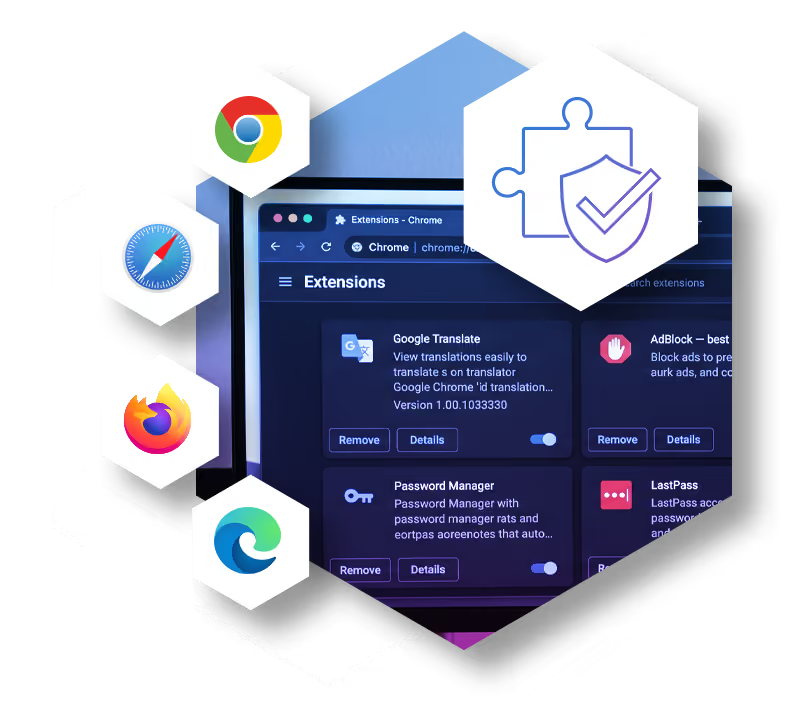
Users spend 85% of their day in the browser, moving data across trusted SaaS apps, GenAI tools and meeting platforms where full isolation isn't essential, but risk remains.
The Menlo Secure Extension secures data at the exact moment users interact with it on the endpoint, in any browser and on any device. As part of Menlo Protect, it works in tandem with the Menlo Cloud: the Menlo Cloud isolates high-risk browsing, while the Secure Extension applies zero-latency DLP controls and logs user actions on sites that need visibility and control but do not demand isolation. A single admin console and one set of policies let you mix and match enforcement as your needs change.

Apply Browser DLP to any site: copy/paste, file upload and download, watermarking, read-only access, printing, developer tools, screenshot deterrence, and camera/microphone use, in addition to dictionary-based DLP for files and text. Policies enforce locally on the endpoint, so protection adds zero latency.

Every action users take on sites protected by the Secure Extension is fully logged. When a security or compliance issue arises, you have the browser context to understand events end-to-end, without reconstructing network packets or interviewing users.
The Secure Extension with Protect brings data protection to every user, browser and device, managed alongside the Menlo Cloud from one console with one set of policies.
Extend data policy, controls and visibility to managed, unmanaged, BYOD, and mobile devices. Even trusted sites that don't need full isolation get the protection that sensitive data requires.

Enable the GenAI tools and AI browsers that boost productivity. Local, browser-level DLP controls keep sensitive data from leaking, even on low-risk, trusted sites.

Add browser security without adding another tool to manage. The Secure Extension and Menlo Protect share one set of policies and unified visibility. The Secure Extension fits into existing user workflows seamlessly.

The Menlo Secure Extension deploys on the browsers your users already have, so nothing needs to be replaced. It secures data at the exact moment users interact with it, adds zero-latency data loss prevention (DLP) controls, and gives you visibility into user actions on sites that do not demand full isolation.

Choose the right enforcement for each situation: the Menlo Cloud with Menlo Protect, the Secure Extension, or both. Define enforcement by user type, device, posture, and application sensitivity, and change it at any time.

Employees want GenAI tools and AI browsers to work more efficiently. Apply copy/paste, upload and download controls on GenAI sites so sensitive data stays inside the business while users keep the productivity gains. Every action on protected sites is logged for review.
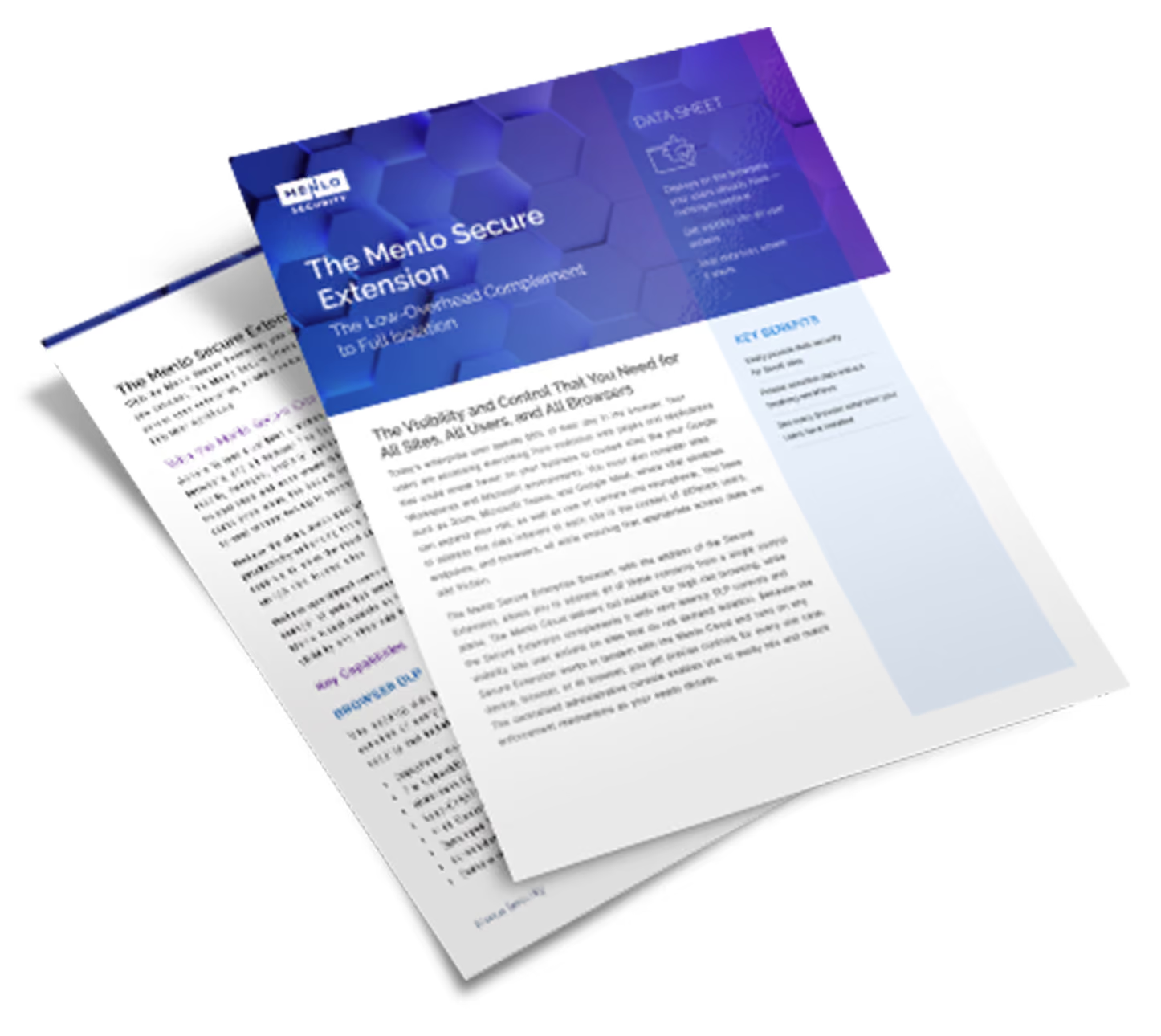
Because the Secure Extension runs on the endpoint, it sees the other extensions installed there. Inventory potentially dangerous add-ons, then decide whether to allow, block or force install each one, all from the same console that manages your Menlo Cloud policies.

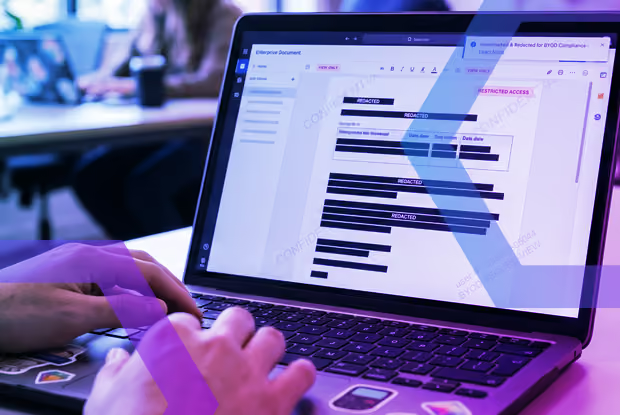
Visibility and control are essential when it comes to users on personal, unmanaged, and mobile devices. The Secure Extension delivers DLP, watermarking, read-only access, print, and screenshot controls to any device, so compliance teams keep the same data protection wherever users work.
Answers to the burning questions in your mind.


The Secure Extension is part of the Menlo Secure Enterprise Browser. It works in tandem with the Menlo Cloud and is managed from the same central admin console with a single set of policies. You can choose isolation via the Menlo Cloud or the low friction option of the Secure Extension by user/group, device, and application, and you can change between them at any time.
Full isolation in the Menlo Cloud is built for high-risk browsing. The Secure Extension runs locally on the endpoint and adds zero-latency DLP controls and visibility on sites that don't demand isolation. The two are complementary, and you can change enforcement options at any time.
It deploys on the browsers your users already have, including new AI browsers, so there's nothing to replace. It delivers data policy, controls, and visibility to any device: managed, unmanaged, BYOD and mobile.
Does the Secure Extension scan files for malware?
Yes. Content protected by the Secure Extension is subject to complete malware analysis, including hash checks, antivirus, and cloud sandboxing, so files stay protected wherever users work with them.
Take a self-guided tour to observe some of the ways that Menlo products enable secure app access, block sophisticated attacks, and provide critical insight into browsing sessions.
See exactly how Menlo can be tailored to solve your unique security challenges. We offer a live demo customized to your teamʼs goals, showing you how to secure your stack and protect your users. A truly secure browsing experience is one click away.


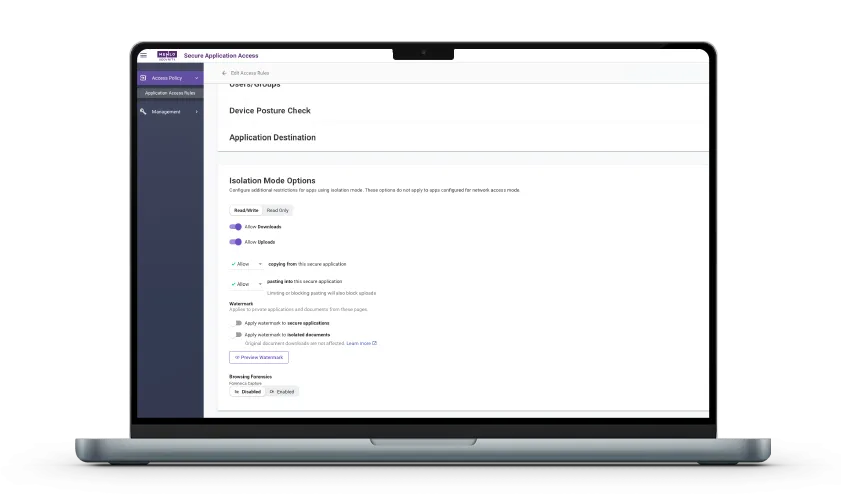
Menlo Threat Prevention adds full cloud isolation for high-risk browsing, with all policies and logs in one console.