The web browser is the primary target for sophisticated "HEAT" (Highly Evasive Adaptive Threats) attacks. Replacement browsers, such as those from Island and Palo Alto/Talon, fail to protect against such attacks because they still execute active web code locally, retaining the formidable security debt of the Chromium engine and suffering from local logic fragility and operational friction.
While Remote Browser Isolation (RBI) moves execution to the cloud for security, legacy pixel-streaming RBI delivers a compromised user experience due to lag, latency, and broken web functionality. Menlo Security solved this with Adaptive Clientless Rendering (ACR), which executes content in a disposable cloud container and sends safe rendering instructions to the user's native browser via DOM Mirroring. This architecture provides cloud-based security with native speed, respecting user choice, and enabling efficient, clientless deployment, proving that true Zero Trust requires a return to the cloud with the right architecture.
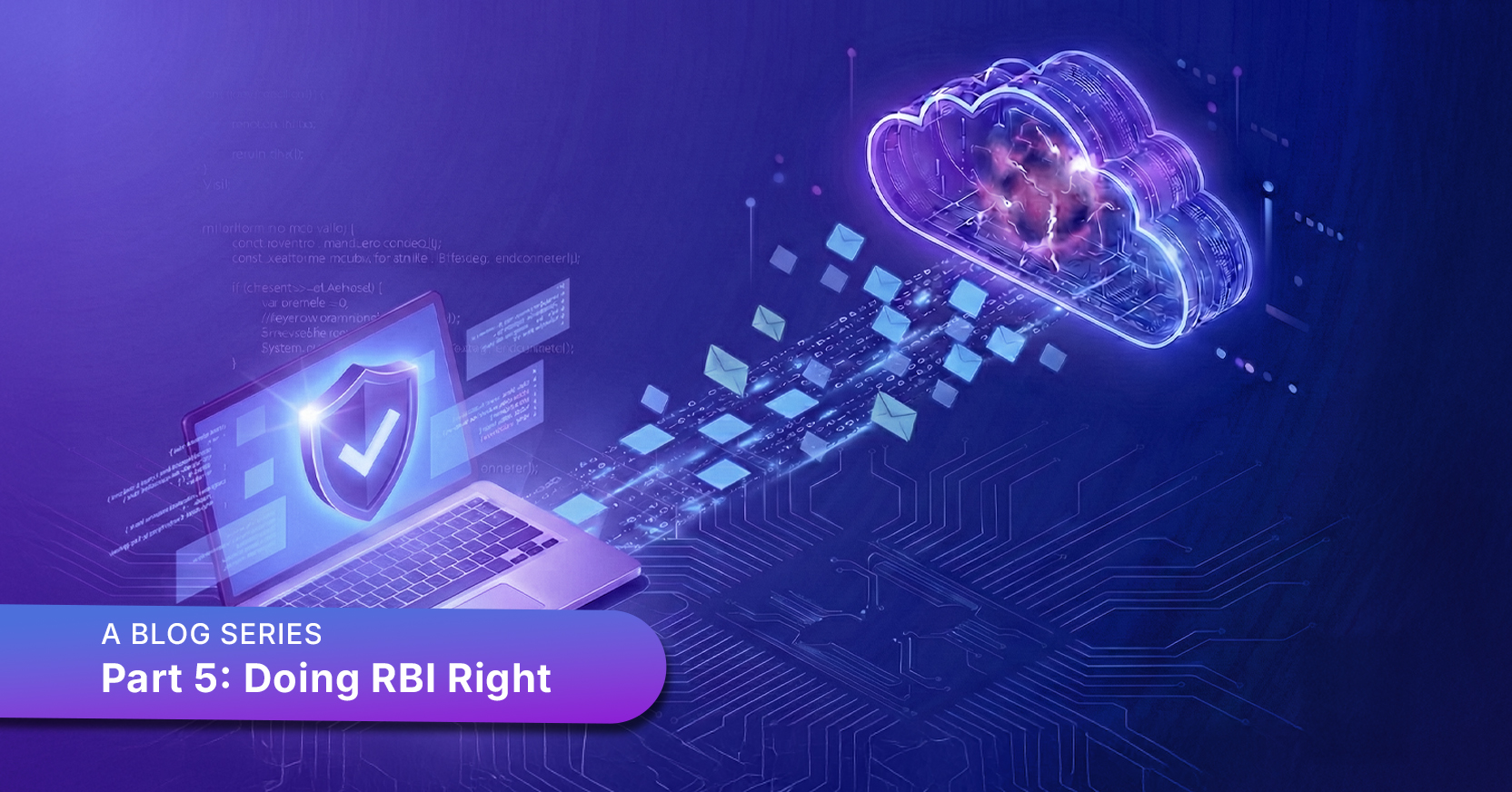
This article is part five of a multi-part series. Part 1 explains how selecting the right browser security architecture is critically important. Part 2 covered the risks that replacement browsers impose on organizational and user choice. Part 3 discussed GenAI security. Part 4 was about security for internal web-based applications. The series explains why replacement browsers cannot deliver browser security, and in each article, we explain why cloud-based browser security can and does deliver preemptive browser security. Having brought you to the cloud, we owe you an explanation on how to do cloud-based security right.
The web browser is the mission-critical super-app of the modern organization, serving as the gateway to SaaS, internal applications, and the vast expanse of the public internet. But the browser’s central role has also made it the ultimate target for sophisticated "HEAT", or Highly Evasive Adaptive Threats that easily bypass traditional security stacks.
As organizations scramble to close this browser security gap, the industry has cycled through various architectural attempts to fix the problem. Understanding how to do browser security right requires a quick history of some failures and why a cloud-isolated, adaptive approach is ultimately the only truly secure path forward.
The latest trend in the market involves replacement browsers from players like Island and Palo Alto/Talon, or browser extensions from companies like Seraphic. These solutions argue that the best way to secure the browser is to control the browser itself on the user’s device.
The replacement browser pitch is tempting: a hardened version of Chromium with extended file and archive security and Data Loss Prevention (DLP). But these solutions face a series of insurmountable architectural hurdles:
To understand the current battle between endpoint and cloud-based browser security, we have to look at the history of Remote Browser Isolation (RBI). Long before replacement "Enterprise Browsers" existed, the security industry recognized that the only way to be 100% safe was to move the execution of web code off the endpoint and into the cloud.
The first generation of RBI solutions attempted to solve the problem using pixel streaming—essentially treating the browser like a remote video session (similar to VDI). The remote browser rendered the page in the cloud and then "scraped" the screen, sending a stream of pixels down to the user.
While this provided a high degree of security by creating a virtual air gap, the user experience was often disastrous. Pixel streaming is notoriously bandwidth-heavy, introducing lag and latency that make scrolling and typing feel mushy, and even worse in remote locations. It also fundamentally broke the web: because the local browser only saw a stream of screen scrapes, in many cases, common functions like printing, copy-paste, and "find-in-page" simply didn't work. Further, unlike VDI, which is used for screen-scraping and occasionally file downloads from trusted internal applications, the web carries a vast amount of file and archive traffic that carries huge risks of embedded malware. First-generation RBI treatment of web-borne files and archives is, in a word, ghastly.
In the midst of widespread customer frustration with these pixel-pushers, Menlo Security invented a more advanced form of RBI. Rather than pushing pixels, Menlo developed Adaptive Clientless Rendering™ (ACR).
ACR revolutionized RBI by separating the execution of the web page, which occurs safely in the cloud, from the rendering, which leverages powerful endpoint graphics resources. ACR executes all web content in a disposable cloud container and only sends safe, transcoded rendering instructions (using a technology called DOM Mirroring) to the user’s local browser. ACR enables users to stay in their native browser and enjoy 100% performance without the risk of local execution.
As Advanced RBI was proving it could scale to tens of thousands and even millions of users, players like Island and Seraphic entered the market. They proposed a "U-turn" back to the endpoint, suggesting that local browser management could replace the need for cloud isolation. However, as we’ve seen, this "new" approach just reintroduced the very local-execution risks and management headaches that RBI was designed to eliminate in the first place.
Today, the market is realizing that the endpoint is a compromised battleground. The only way to provide true Zero Trust is to return to the cloud, but use an architecture that does not break the user experience. Here are some ways that ACR fulfills such an architecture:
The history of browser security is a journey toward finding the perfect balance between absolute protection and a native user experience. We have learned that local hardening is a house of cards, and that legacy pixel-streaming is too clunky for the modern web.
True browser security requires an architecture that is cloud-native by design but local-feeling in execution. Menlo Security Adaptive Clientless Rendering enables cloud-based browser security and allows organizations to embrace the web without compromise.
Menlo Security