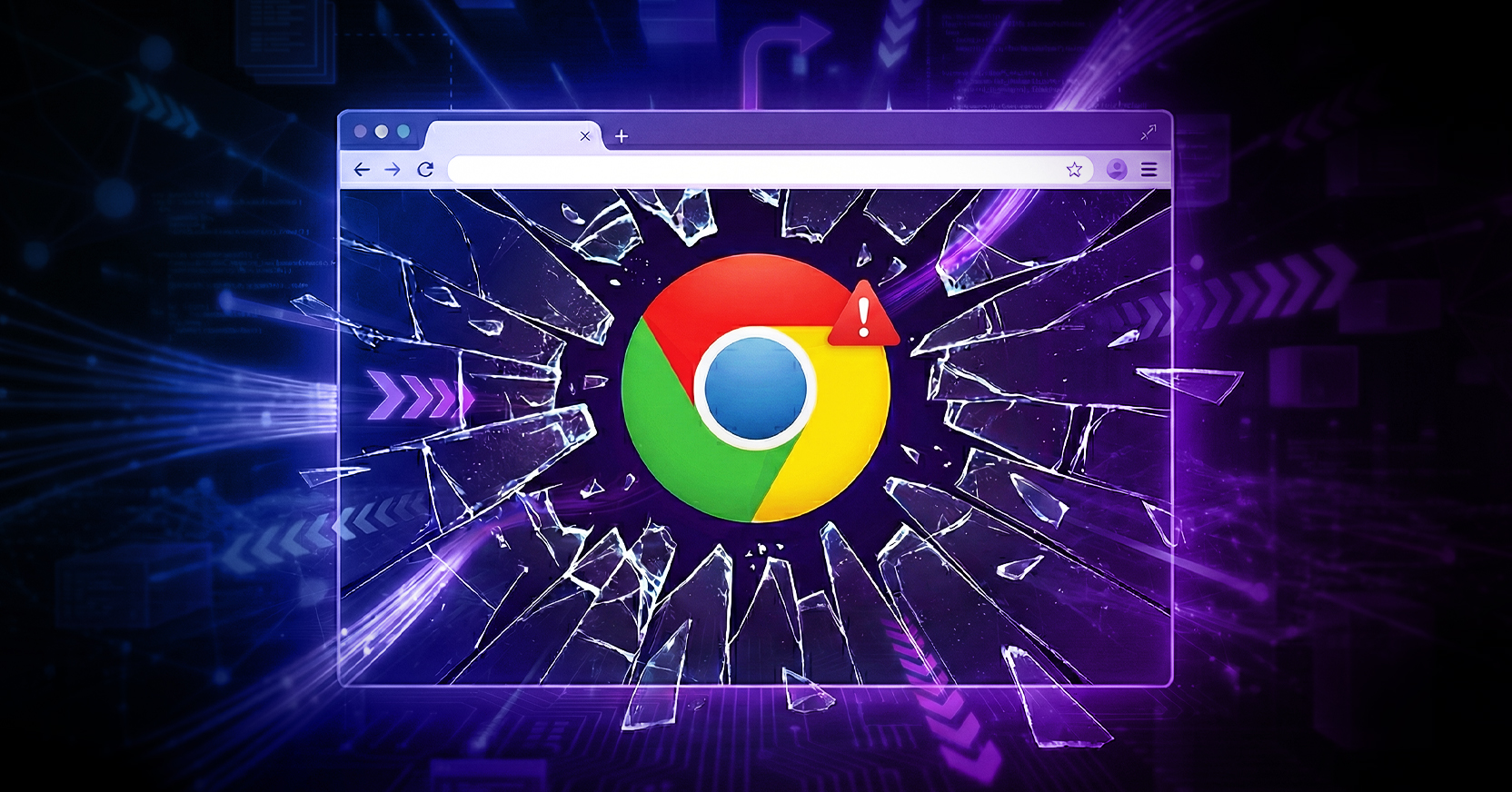
Fresh on the heels of patching Chrome early last week to address a string of high-severity vulnerabilities, the industry was hit with yet another Friday surprise: CVE-2026-2441. For those keeping score, that is two major remediation cycles in just 72 hours. But while last Tuesday was about preventative maintenance, Friday was about the latest zero day exploit, meaning attackers are already using it in the wild to compromise users.
In simple security terms, a ‘Use-After-Free’ vulnerability is a memory corruption flaw: Chrome sets aside a block of memory for a CSS element, marks it as "deleted," but then mistakenly tries to access that same memory address again through a reference to that element that should have been invalidated. Attackers create this type of confusion via intricate JavaScript code that modifies CSS stylesheets in unexpected ways. They then capitalize on this confusion to overwrite memory content that has been reallocated for another purpose, allowing them to gain control of the system just by having a user view a specifically built webpage.
These zero-days provide the foothold for attackers to deploy infostealers or escalate privileges and gain administrative access to the entire machine, leading to the deployment of ransomware or the quiet exfiltration of sensitive intellectual property.
This "72-hour double-patch" highlights a grim reality: when one zero-day is closed, sophisticated state-sponsored groups or initial access brokers simply pivot to the next undisclosed flaw in their library. As soon as the world finishes the grueling task of updating millions of endpoints for CVE-2026-2441, these attackers are already migrating their exploit kits to the next unpatched flaw. It is a game of digital Whac-A-Mole where security tools are always one step behind.
This leads to a difficult question:
Does your browser security stack actually address these CVEs, or is it just reporting on them after you’ve already been exposed?
In recent years, many replacement browsers and browser extensions have entered the market promising to neutralize these types of threats. Many claim to protect you by "hardening" the browser —disabling risky features like Just-In-Time (JIT) compilation or more advanced browser APIs such as WebRTC or WebGPU.
But here is the catch: those tricks don’t work here. CVE-2026-2441 is tied to the handling of CSS, which is a core functionality of how the web is rendered. You cannot "disable" CSS without breaking the internet. Because these tools still rely on the underlying local browser to do the heavy lifting of rendering the code, they remain inherently susceptible to the same memory corruption flaws as the browser itself. If the core engine is vulnerable, the "security wrapper" around it is often just a facade.
In a week where your team has had to scramble twice to patch the same application, it’s time to ask if there is a better way to break the cycle. If you are still relying on a "patch and pray" model for your most used application, the next 72-hour scramble is not a matter of if, but when.
To break the "patch-and-pray" cycle and to prevent zero days like this, the only sustainable path forward is to move the rendering engine away from the endpoint entirely. Proactive Threat Prevention using Cloud Isolation platforms like Menlo Security executes this content away from the endpoint in disposable cloud containers, ensuring that memory corruption exploits like CVE-2026-2441 never reach the user's device and organizations are protected not just from today’s fire drill, but from the inevitable pivot to the next zero-day.
To learn more about proactive threat prevention and how industry leaders like Menlo Security combine cloud isolation and AI-powered threat prevention to neutralize zero-day exploits before they hit your network, visit us on www.menlosecurity.com.
Menlo Security