Executive Summary
The debate over securing access to critical internal applications centers on the trust boundary. While "Enterprise Browsers" like Island attempt to solve the problem with a local, hardened installation, this approach is fundamentally flawed. By running on the endpoint, its security controls (local logic) and sensitive data (session tokens) remain vulnerable to zero-day exploits and OS compromise. In contrast, Menlo Secure Application Access (SAA) utilizes a cloud-isolated model. SAA executes all web code in the cloud, ensuring corporate data and malware never reach the device. This architecture provides tamper-proof DLP, guaranteed clean file delivery via CDR, and agentless Zero Trust Access for BYOD users, establishing the cloud as the only reliable trust boundary.
—-
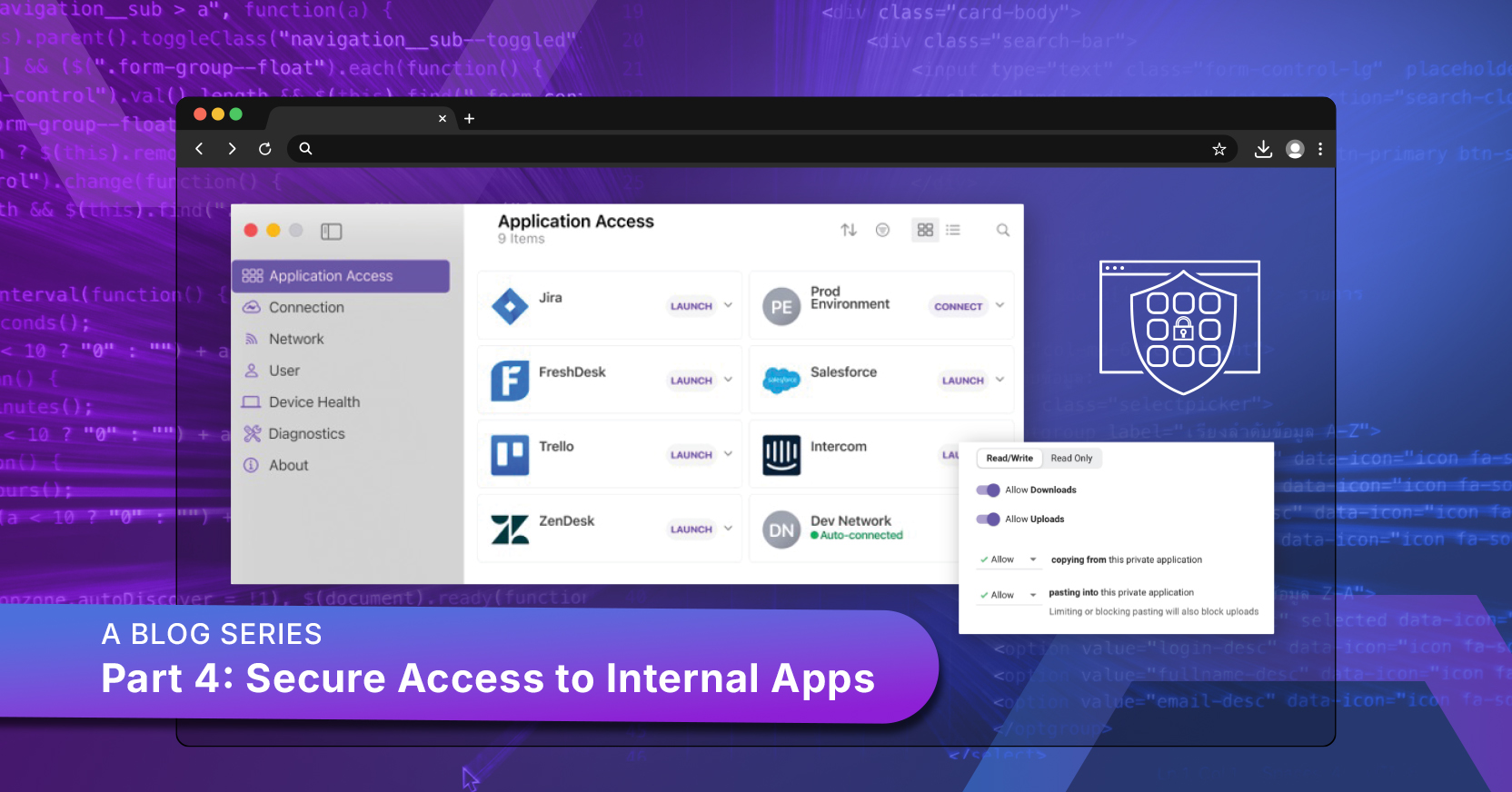
This blog is part four of a multi-part series. Part 1 explains how selecting the right browser security architecture is critically important. Part 2 covered the risks that replacement browsers impose on organizational and user choice. Part 3 discussed GenAI security.
This blog is about the intersection of replacement browsers and the need to protect internal applications and their data. It’s arguable that your most sensitive data lives in internal apps like SAP, Confluence, or custom-built portals.
Internal Apps and Their Data Meet The Modern Workforce
With the most sensitive data in your internal apps, the risk of data loss is dramatically magnified by modern workforce trends such as the ever-expanding use of contractors, consultants, and employee BYOD. Your zero-trust implementation seems to enable you to give access to selected internal apps to your contractors on their own computers. You have some device posture checks, but for plenty of reasons, your contractors don’t have all your security tools. Consider two browsing-specific risks:
- Lacking zero-day prevention, your contractor uploads an infected file to an internal web app.
- Lacking your DLP, your contractor downloads a huge data file for some analytical work at home, and either they upload the file to GenAI or a family member uses their laptop.
These problems are sometimes mirrored for trusted employees who are permitted to bring their own devices.
Browser Security can solve these problems:
- Browser Security applied to traffic from a contractor’s laptop should catch and block an infected file before it can infect an internal application.
- Similarly, Browser Security with DLP should be able to prevent a contractor from downloading a file with sensitive data.
This leads us to the purpose of this article: you face architectural choice for browser security, including replacement browsers and preemptive security offered by Cloud-based browser security.
Now, let’s talk about the browser model used by companies like Island.
Island tries to make a security solution by making a better local browser. But that's its fatal flaw. When it comes to accessing mission-critical internal applications, relying on a locally installed, hardened browser is fundamentally trusting a potential Trojan horse.
Let's dive into why this local-first approach is insufficient for real zero trust security.
The Core Problem: A Replacement Browser's Compromised Surface
The entire security premise of a replacement browser such as Island’s rests on the idea that it can sufficiently secure a Chromium instance running on an untrusted, local device.
Not Every Organization Can Do Chrome
The most obvious weakness is baked right into the product’s DNA: Island runs a local Chromium instance.
- This means it inherits all Chrome CVEs until patched.
- Yes, Island says it automates frequent updates and applies patches quickly (within 48 hours), but during that window, your most critical internal applications are exposed to a known, actively exploitable vulnerability. You’re always playing catch-up.
- When the inevitable zero-day hits, the malicious code executes natively on the endpoint, leaving the OS and hardware vulnerable to exploitation. This is the single biggest architectural risk—the code giving access to your internal apps is running on a machine that the whole internet is trying to break.
In contrast to this, Google and Microsoft have tens to hundreds of security experts to keep Chrome and Edge safe. They can do Chrome. Island can’t.
The Illusion of Self-Protection: Local Controls Can Be Bypassed
Island’s pitch includes "self-protection" features like disabling JIT and Wasm1, but these defenses are local logic: If a smart attacker manages to compromise the operating system, bypassing a local browser’s controls becomes trivial. Meanwhile
- DLP is Fragile: Island’s DLP controls (like data redaction and protection against exfiltration) are enforced locally using JavaScript-based redaction and dependence on Island’s local browser extension. The fragility of the Island Extension was discussed in blog 3 of this series, and a security gap from that fragility could last long enough to enable a contractor to harvest a data file from an internal app.
- Clipboard Exposure: Clipboard blocking is extension-controlled, meaning a dedicated attacker only needs to know how to rename or modify the extension files to start exfiltrating sensitive data from internal apps via copy/paste.
File Security: The Critical Exposure Window
When accessing internal files (think sensitive spreadsheets or client contracts), the local model completely breaks down—especially for BYOD users and contractors. It starts with danger from the internet
- Delayed Inspection: Island’s file security relies on scanning files only after they reach the device. They rely on Bitdefender and local endpoint scanners, but this creates a critical exposure window.
- The Hidden Bomb: Since files are delivered to the endpoint before inspection, embedded malware or exploit code hidden in password-protected or nested archives can unpack itself before security tools analyze the file. Since Island only scans files in web traffic, malware can copy itself elsewhere in the endpoint file system, from which a user might upload it to an internal web app or server.
The Operational Headache: Trusting the User and IT
Beyond the immediate security risks, the local browser model creates complexity that makes maintaining a strong security posture nearly impossible for IT.
- Fragile Forensics: When an incident does happen, the audit trail is compromised. Island’s logging data originates on the endpoint and lives temporarily in the user’s local folders before syncing. If the endpoint is compromised, or even if a user just clears their cache, those critical event logs can disappear—they are not tamper-proof.
- Session Token Theft: Even with internal hardening, Island's model means session tokens, SSO cookies, and conditional access logic all reside on the endpoint. An attacker with device access can steal these tokens from memory, leaving your internal servers vulnerable to credential theft and session hijacking.
Isolation Just Solves the Problem
The Menlo Secure Application Access Difference: The Menlo Cloud
The solution isn't to build a better local browser; it's to remove the risk entirely by enforcing security in the cloud.
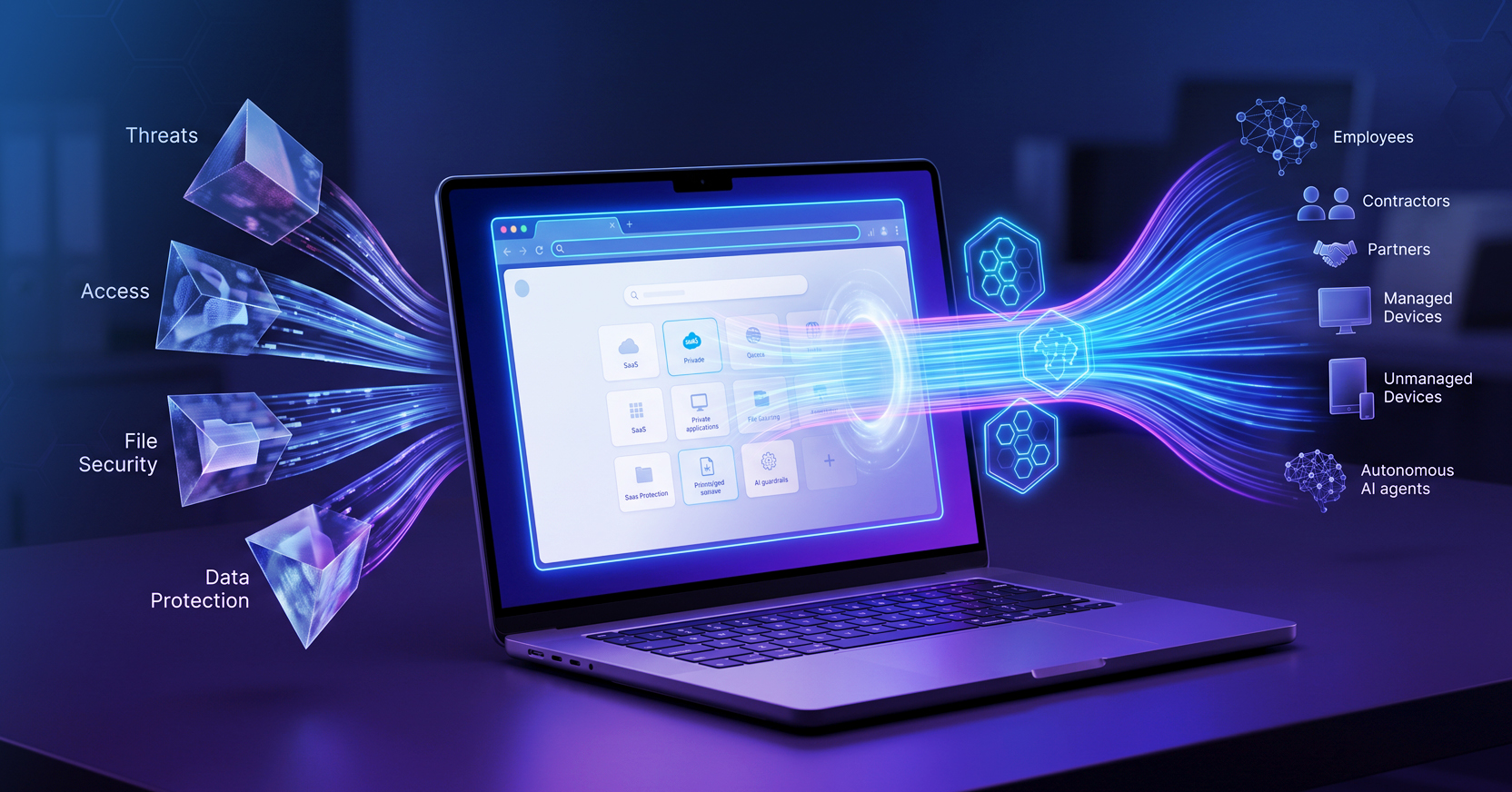
This is where Menlo Secure Application Access (SAA) shines. It operates on a principle of cloud isolation, meaning all web code executes in the Menlo Cloud.
- Data Never Lands: Sensitive data never reaches the endpoint. This is the simple, elegant solution: if the data and the execution code aren't on the device, there’s nothing for an attacker to steal locally.
- Zero-Touch ZTA: Menlo SAA is the fastest path to Zero Trust Access because it works on any browser, any device (managed or unmanaged), with no software installation needed. You can onboard a contractor in minutes and know with certainty that your internal apps are protected by isolation and least-privileged access.
- Guaranteed Clean Files: Menlo's cloud-based file processing guarantees files are safe by using advanced techniques like Content Disarm & Reconstruction (CDR) to neutralize malware before a file is ever delivered. You get the safe, functional version—not the original malicious code. This is of crucial importance in the cross-section between, for example, contractors or BYOD and internal apps: endpoints you do not control can harbor malware embedded in files. The very malware that compromises an Island endpoint can never reach your internal applications.
- Cloud-based data loss controls: Unlike mechanisms that depend on the permeable Island Extension, controls like copy-and-paste restrictions and dictionary-based data loss prevention all occur in the Menlo Cloud, where they are pre-emptive and cannot be compromised by a privileged endpoint user.
Ultimately, the choice is between trying to fix a security problem where it lives (the local browser) or simply isolating the problem away from your critical assets (the cloud). For your internal apps, isolation is the only way for you to sleep easily tonight and all the other nights.
-----------
1 This is covered in depth in blog 2 of the series