Every organization accepts files it did not create. Contracts from vendors, resumes from candidates, claims from partners, identity documents uploaded by customers. None of that work is optional, and all of it means opening something that arrived from outside.
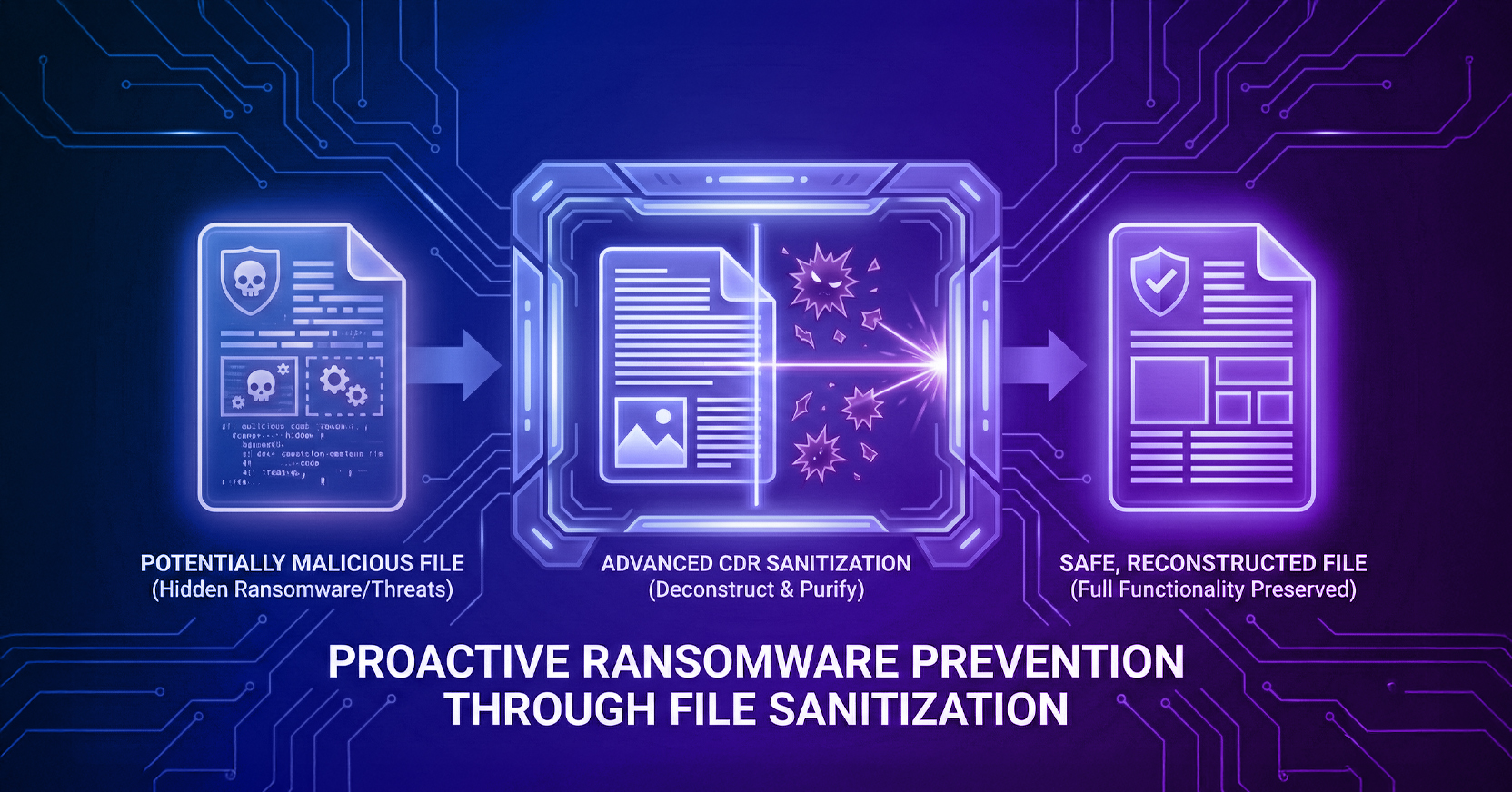
Detection-based tools handle this by trying to decide whether each file is malicious. File sanitization takes the opposite approach. It assumes every file could be dangerous and rebuilds it from components known to be safe, so the judgment never has to be made.
File sanitization removes potentially malicious code from a file and rebuilds it using only verified safe components, rather than scanning the file to decide whether it is dangerous. It goes by several names: file reconstruction, content sanitization, content disarm, and file cleansing.
A useful comparison is redaction. When you redact a PDF, you black out sensitive information before sending it. File sanitization does something similar at the metadata level, except it does not hide the risky elements. It removes them entirely and reconstructs what remains.
The distinction that matters is where the decision sits. Antivirus asks whether a file is bad. Sanitization removes the risk without asking.
433,314
Exploitable Files Disarmed by Menlo in Q1 2026
110,357 of them concealed behind password protection, where automated scanning cannot inspect the contents.
Source: Menlo Security 2026 Healthcare Security Report, 2026
Content Disarm and Reconstruction is the technical name for file sanitization, and it comes in three levels that differ enormously in what they leave you with.
| Level | What It Does | What You Get Back | Business Impact |
|---|---|---|---|
| Level 1 | Converts every file to PDF | A flattened document with no macros or active elements | Safe, but frequently unusable for the work it was sent for |
| Level 2 | Strips out embedded objects and active content | A file missing links, macros, and business logic. Vulnerable templates can remain | Partial functionality loss, and residual risk in the template |
| Level 3 | Rebuilds the file from known-good components onto a clean template | A fully functional file with safe macros and active elements intact | No trade-off between security and usability (Menlo’s approach) |
Menlo File Security uses Positive Selection® technology, a Level 3 CDR approach built on template-based reconstruction. Rather than deciding what to remove, it only carries over known-good elements. The file is rebuilt in just milliseconds, works as originally intended, and carries only positively identified safe content.
That difference has practical consequences. Level 1 and Level 2 CDR both protect you by degrading the file. Organizations that deploy them often end up whitelisting their way back to the original risk or face serious downtime as files are blocked and sandboxed by IT teams.
Antivirus is not enough because it depends on recognizing something it has seen before, and the files that matter most are the ones nobody has seen. We call these zero-days.
Detection-based tools compare file code against a database of known signatures. That works well for known variants and not at all for novel ones. Machine learning extends the range somewhat, but it still requires enormous labeled datasets and still reasons backward from what already exists.
There is a second problem that gets less attention. Attackers iterate faster than detection models retrain. A predictive system can anticipate variations on known techniques, but it has no way to distinguish “safe” from “not yet recognized.”
File sanitization sidesteps the question. Because it removes all risky elements without looking for specific indicators, it stops a threat on day zero as reliably as one that has been catalogued for years. No matter the iteration or the frequency at which the same file is sent and received, unknown threats are rendered inert.
File metadata is the information embedded inside a file describing its content, structure, and technical properties, and it matters because it is where malicious code hides.
Most users never see any of it. Anyone who has recorded a macro in Excel has written code without thinking of it as code, and that is precisely the mechanism attackers use. Malicious instructions embedded in an ordinary-looking document execute when someone opens it.
Active content is any element in a file capable of executing instructions, which is what makes it both useful and dangerous.
Simple CDR tools remove all of it, which is why files come back broken. Menlo’s Level 3 CDR replicates the known-good elements onto a clean template, so safe macros and working links survive while anything unverified does not.
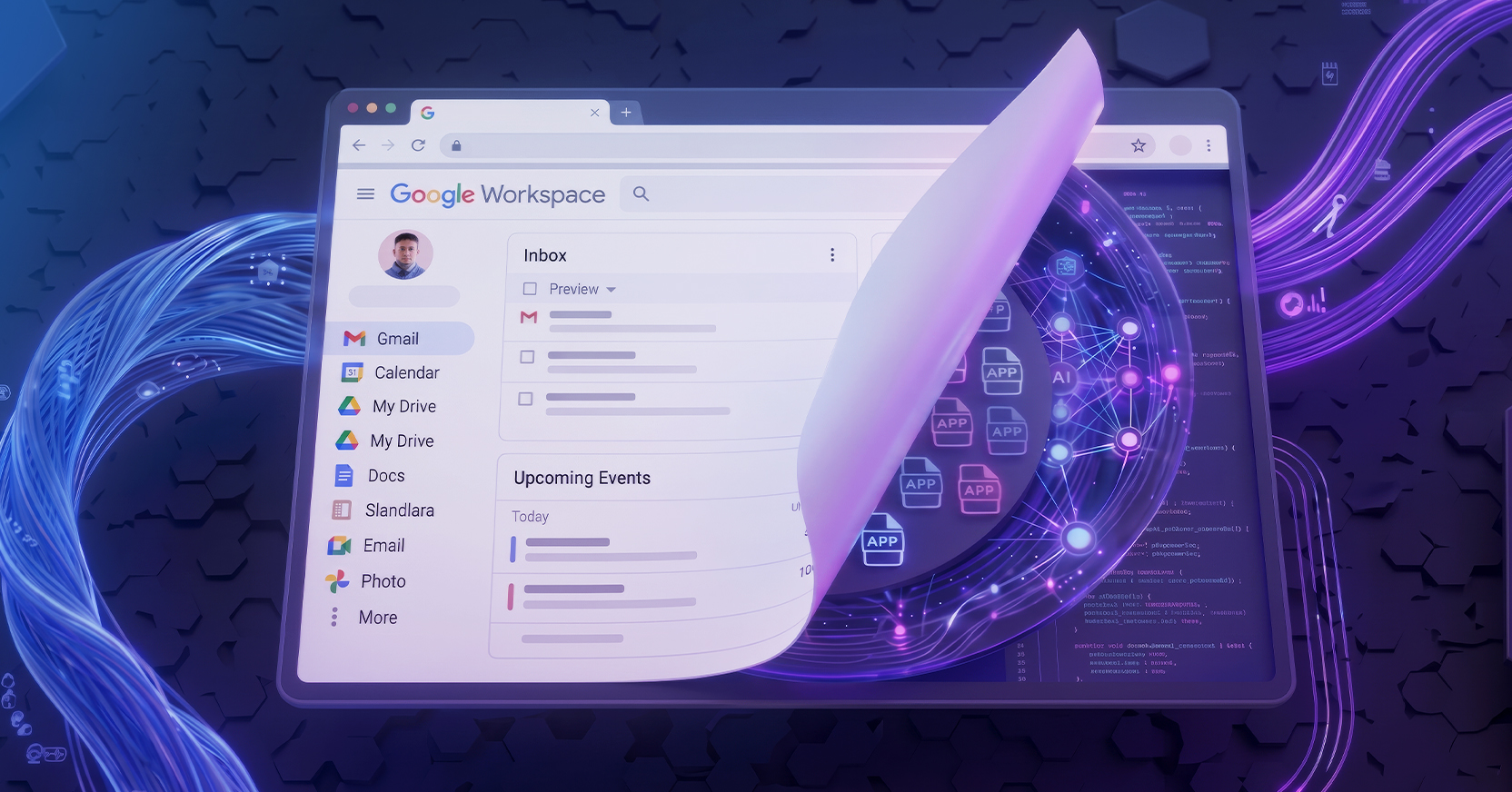
Menlo File Security sanitizes files in real time while they are still in motion, before the user ever receives them. Positive Selection®, Menlo’s patented technology, removes every element an attacker could weaponize, rather than working from a signature database that will always be one step behind.
Two operational consequences follow from that:
The first is that false positives largely disappear. There is no verdict to get wrong, because only non-malicious elements of the file were preserved in the first place. That reduces alert volume and the triage work attached to it.
The second is that it works in both directions. File security capabilities apply to uploads as well as downloads, which matters because supply chain and customer-intake channels are where files arrive from parties you do not control.
What Is File Sanitization?
File sanitization removes potentially malicious code from a file and rebuilds it using only components verified as safe, instead of scanning to determine whether the file is dangerous. It is also called content disarm, file reconstruction, or content sanitization.
Is File Sanitization the Same as CDR?
Yes. Content Disarm and Reconstruction is the technical term for the same process. CDR comes in three levels, and only Level 3 (Menlo Security’s level) preserves full file functionality while removing risk.
Will File Sanitization Break My Macros?
Not with Level 3 CDR. Level 1 flattens files to PDF and Level 2 strips active content, both of which break macros. Level 3 rebuilds the file from known-good components, so safe macros and essential business logic survive intact.
Does File Sanitization Work on Password-Protected Archives?
Yes, and this matters more than it sounds. Password protection prevents automated scanning from inspecting contents, which is exactly why attackers use it. Menlo File Security disarmed 110,357 password-protected files in Q1 2026 alone.
How Is File Sanitization Different from Antivirus?
Antivirus detects, sanitization removes. Antivirus compares files against a database of known threats and misses anything novel. Sanitization strips risky elements regardless of whether the specific threat has been catalogued, so it stops zero-day malware on first encounter.
Does It Protect File Uploads as Well as Downloads?
Yes. Bi-directional sanitization covers files your organization receives from partners, vendors, and customers, not only the files your users download.
About the Author
Eric Wolff, Cybersecurity Strategist for Menlo Security, is experienced in bringing new technologies to market. He’s worked for a range of companies, from startups to large enterprises. Eric has technical expertise in cloud and browser security, network and application optimization and security, data protection, and API security. Eric is a passionate storyteller, eager to share his insights with others and is always psyched to engage in discussions about the latest trends and challenges in cybersecurity.
Secure every file that enters and leaves your organization. Schedule a Demo Here.
Menlo Security