User interaction remains one of the most common trigger points for modern attacks. Employees click links, open documents, download files, approve prompts, use SaaS applications, and interact with web content throughout the day because that’s how the real work gets done. Attackers know this, which is why phishing, malicious downloads, social engineering, and AI-assisted campaigns are built around normal user behavior.
But don’t get us wrong, security training still matters. However, it cannot be the final control. Even well-trained users make decisions under pressure, distraction, urgency, and incomplete context. As attacks become more polished, personalized, and embedded in trusted workflows, organizations cannot depend on every user spotting every convincing request before they click, open, approve, or download.
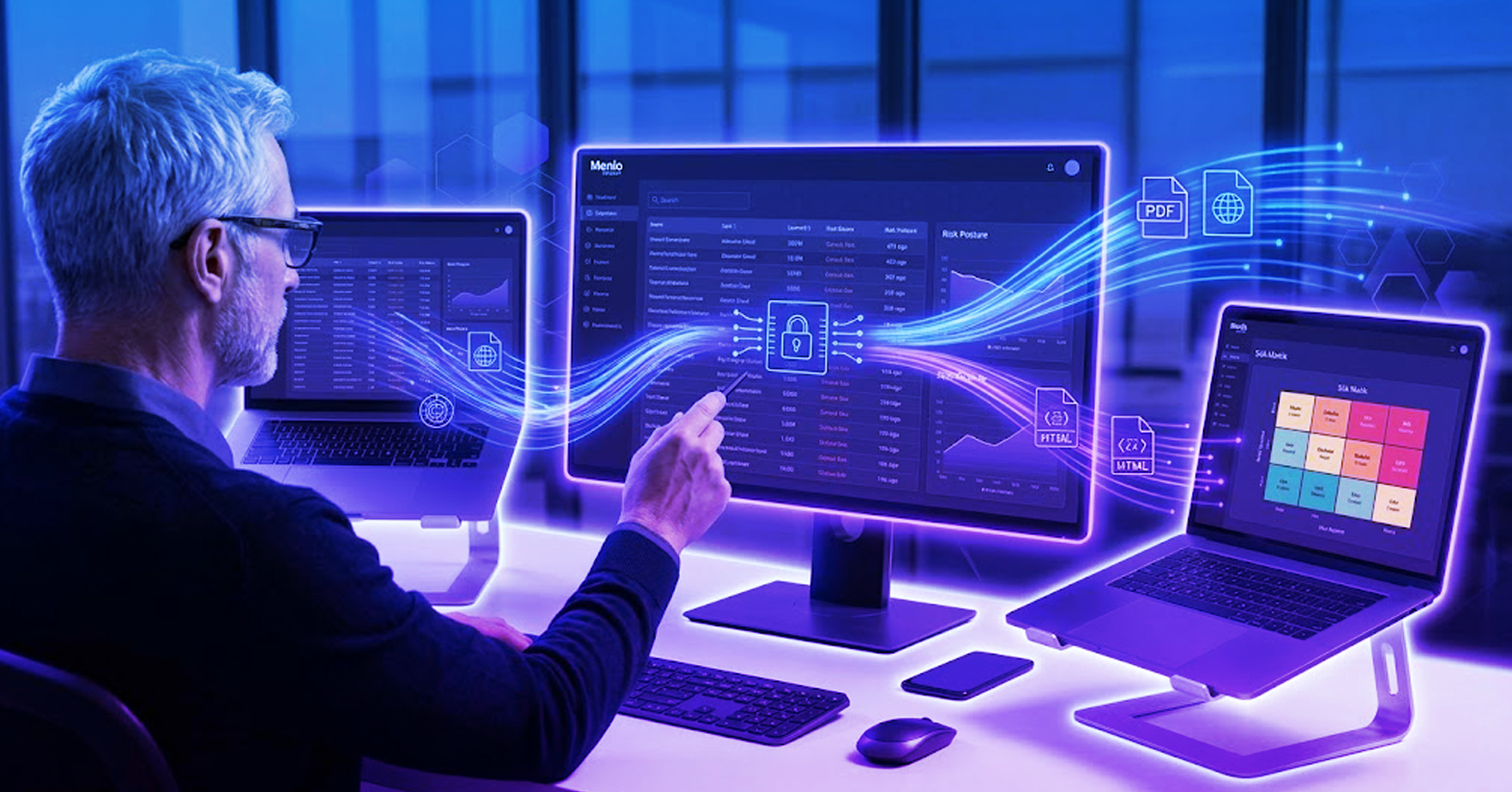
The stronger model, and the one we suggest is implemented within enterprises, assumes malicious interaction will happen at some point and protects users where and when that risk becomes real: in the browser and in file flows. Menlo isolates web activity so risky content cannot execute in the user’s environment, while also removing file-borne threats and protecting sensitive data before files move into business workflows.
Such capabilities reduce the consequences of user-driven risk without slowing normal work. Users will click and security has to make each of those moments safe.
Every workday runs on small decisions. Employees click links, open shared documents, download files, approve prompts, sign into SaaS applications, and interact with web content all day. These actions are not exceptions or bad habits. They are how work gets done.
User interaction is important to security for a variety of reasons:
Threat actors know this. And the worst part? Attackers don’t need users to behave recklessly., they need them to behave normally. Malicious campaigns are built around familiar workflows, trusted brands, collaboration tools, shared files, and urgent requests because the click is often the moment risk becomes real.
Even well-trained users make fast decisions in crowded inboxes, busy browsers, and high-pressure work environments. Users care about security, but no security model can depend on every person making the right decision every time.
Modern security has to start with a more realistic assumption: users will click, open, download, approve, and interact. The goal is not to stop normal work, it’s to ensure that normal work does not become the opening that attackers need.
That first interaction is still the starting point for many common attacks.
The action may be as small as one click, one download, one approval, or one file opened between meetings. But that small action can create the opening attackers need. Attackers have built their playbooks around a simple reality: employees have to click to do their jobs. This is why user-driven risk is so difficult to solve with human judgment alone.
Training still matters. Users should know how to spot suspicious messages, question unexpected requests, and report what feels wrong. Awareness programs can make people more cautious and reduce the number of attacks that reach the compromise stage.
But training has limits. No program can prepare every user for every lure, workflow, impersonation, compromised account, or request that arrives at the wrong moment. People make security decisions between meetings, on mobile devices, under pressure, and while trying to keep work moving. And the rise in genAI has only made human judgement even more unreasonable to rely on. AI is mimicking the voice it’s been trained on, which could be a co-worker, a vendor, or a CEO. Once it’s too hard to tell a human from a robot, the only reliance will be on the technology itself.
So, while security awareness does reduce risk, it cannot be the sole control that everything depends on.
Phishing and social engineering have also become harder to separate from normal work. The obvious misspellings, generic fake login pages, and awkward requests still exist, but they are no longer the whole problem. Many attacks now arrive through familiar brands, compromised accounts, shared workflows, QR codes, collaboration invites, and fake support requests that look close enough to what users already expect.
That shift changes the burden on the user. They are not just being asked to avoid suspicious links. They are being asked to detect when a routine workflow has been turned against them. The attack succeeds because it does not feel like an attack in the moment.
Once again, AI has made that problem sharper. Attackers can produce cleaner language, personalize messages faster, and tailor lures to a user’s role, company, or current business context. The attack does not have to be perfect. It only has to look normal enough to earn a click.
That is why “think before you click” is no longer a complete answer. Users should stay alert, but security cannot depend on them spotting every convincing request. As phishing becomes more polished and social engineering becomes more contextual, protection has to move closer to the moment of interaction.
That moment of interaction usually happens in two places: the browser and the file flow.
The browser is where users open links, access SaaS applications, submit forms, approve requests, and interact with external content. It has become the workspace for much of the business, making it one of the places where risk most often reaches the user.
Files create a second path. They move through downloads, uploads, email attachments, shared drives, customer portals, vendor exchanges, and collaboration platforms. A document may look ordinary, but it may contain hidden malware, malicious code, or sensitive data that should not leave the organization.
Protection cannot sit too far downstream, waiting for the click to become an alert or the download to become an incident. It has to operate at the point of interaction, where the user meets the content and where risk first becomes real.
A true security model intervenes earlier. It protects the browser session before malicious content can execute. It sanitizes files before users open them. It masks and/or prevents sensitive data before it can move. And it should do it near instantaneously so that productivity never slows down. The result? The user still gets to work, but the risky interaction loses its ability to cause damage.
This reduces risk without making employees the problem. Users are not threat vectors to be managed. They are people trying to get through their day, answer the request, open the file, finish the task, and keep the business moving. Security should protect them in those moments, not depend on them to be perfect every time.
This is where Menlo protects the user at the point of interaction.
Through the Menlo Cloud, users are protected as they browse, open links, access SaaS applications, and interact with web content. Instead of allowing risky content to execute in the user’s environment, Menlo isolates web activity, stopping threats before they reach the endpoint.
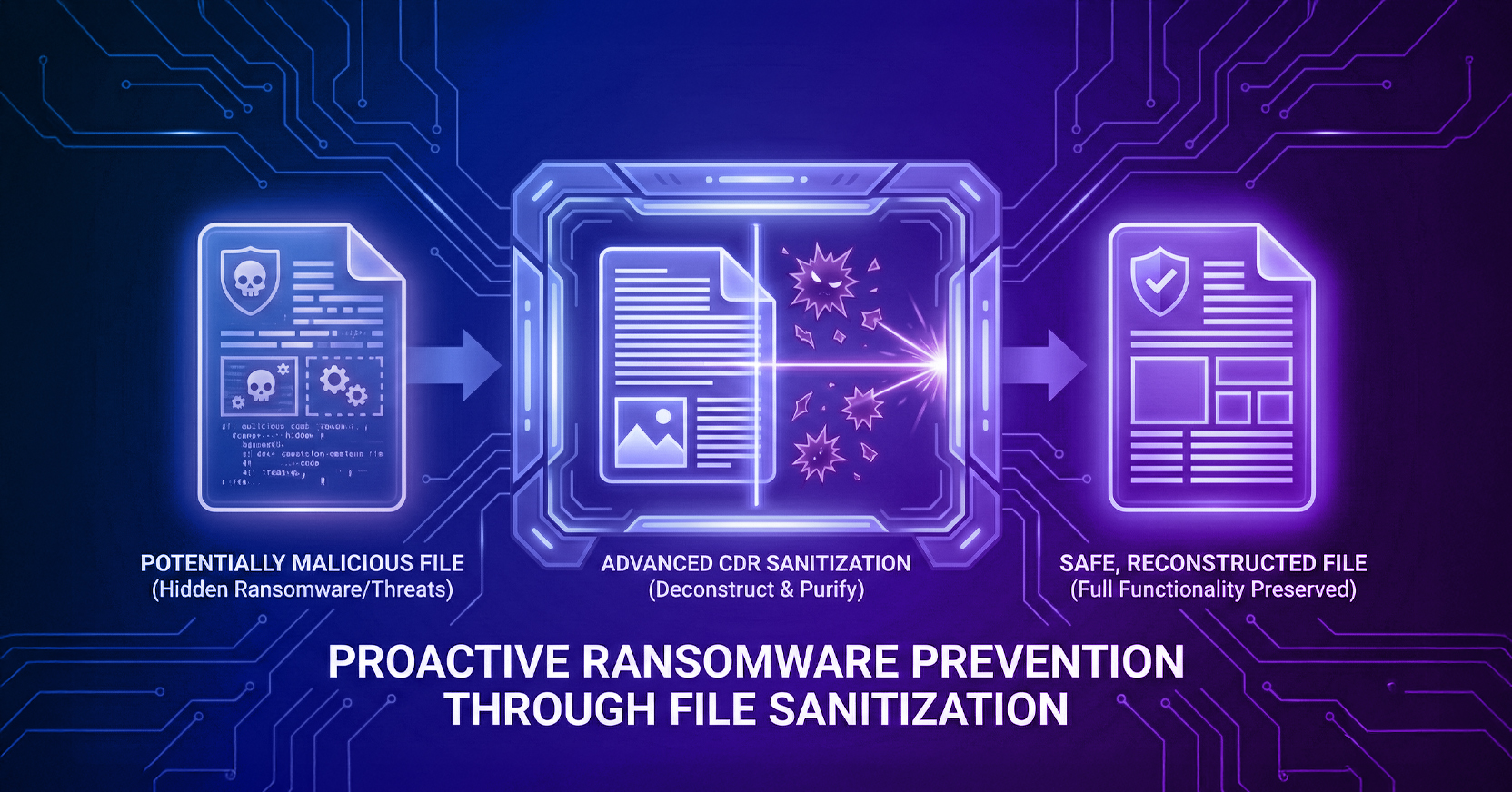
Menlo File Security extends that protection to the files users download, receive, upload, and share by adopting a zero-trust model known as content disarm and reconstruction (CDR). It removes file-borne threats while maintaining known-good elements to ensure only safe, fully functional files make it to the endpoint.
Finally, Menlo AI Adaptive DLP masks sensitive data before files cross endpoints or move between users, all based on fine-grain security controls that keep visibility limited to approved users/departments/locations.
Put together, users can keep working with the documents and workflows they depend on, while the organization reduces the risk that a file carries malware, exposes private data, or creates another path into the business.
User interaction is not an edge case that security can wish away. It is part of how work gets done. Employees will click links, open files, use SaaS applications, share documents, and interact with external content because the business depends on those actions every day.
Training and awareness still have a role. They make users more prepared, more cautious, and more likely to report what feels wrong. But they cannot be the final control. No organization can train away every distraction, every convincing lure, or every moment when a risky action looks like normal work.
That is why security has to act where those interactions happen. The browser and file flows are where users meet the content that attackers try to exploit. They are also where organizations have the best opportunity to prevent a click, download, upload, or file exchange from escalating.
The right model starts with a simple assumption: users will interact. They will click. They will download. They will open the file. Security has to make those moments safe, so normal work can continue without giving attackers the opening they were counting on.
Book a demo to see how Menlo keeps normal work moving while removing the risk behind every click, download, and file exchange via file security, data protection, and browser security.
Menlo Security