Executive Summary
Sensitive data becomes harder to protect once employees begin moving it through browsers, SaaS applications, collaboration tools, GenAI services, and cloud storage. Traditional Data Loss Prevention (DLP) and Data Security Posture Management (DSPM) may provide controls, but they may lack the context and precision required for live browser workflows. Meanwhile, file-level blocking can interrupt legitimate work, generate false positives, and encourage users to seek less controlled ways to complete a task.
Menlo Security applies protection during the interaction itself. Menlo Browser DLP governs actions such as uploads, downloads, and copy-and-paste activity, while Menlo AI Adaptive DLP detects and masks sensitive information before it reaches an inappropriate destination. Cloud-based enforcement extends this protection to unmanaged devices, contractors, and bring-your-own-device users. Security teams can govern sensitive data more consistently without disrupting access to the files and applications employees need.
Security teams are accustomed to asking where sensitive data lives. They map databases, monitor cloud storage, and control access to business applications. But location tells only part of the story. The moment an employee downloads a customer record, uploads a report, or copies information into another application, that data begins moving through interactions that controls built around storage may not fully see.
These actions are part of ordinary work. Employees use browsers and cloud applications to share files, collaborate with partners, and complete tasks across multiple services. Yet each transfer can move sensitive information from a managed environment to an unapproved application, an unmanaged device, or an unintended recipient. The employee may have a legitimate goal while still creating exposure.
Closing this blind spot requires protection that remains active throughout the interaction. Security teams need visibility into what data is moving, where it is going, and what users are doing with it before the transfer is complete.
Data-in-motion is information actively moving between users, applications, devices, and storage locations. Unlike data at rest in a database or repository, it is being transferred as part of a live business process. That movement may last only seconds, but it can carry the data beyond the controls that protect its original location.
Consider a common workflow. An employee downloads a customer file from a business application, attaches it to an email, and later uploads it to a collaboration platform. Another user may copy information from that file into a web portal or move it into cloud storage. Each step creates a new transfer, destination, and set of access conditions.
These workflows become harder to govern when data crosses between corporate systems and unmanaged devices. Contractors, partners, and employees using bring-your-own-device (BYOD) programs may need legitimate access to business information without having the same endpoint controls as a managed corporate device. Security teams must also account for applications that are approved for one type of data but unsuitable for more sensitive content.
The risk appears during the transfer. Sensitive information can reach the wrong person, application, account, or device before a traditional control can detect it. Protecting data in motion, therefore, requires more than knowing where the data began. Security teams also need to understand what is moving, who initiated the action, where the information is going, and whether that destination is appropriate.
The browser now connects employees to nearly every part of the workday. Customer records live in SaaS applications. Teams exchange documents through collaboration platforms. Employees upload reports to generative artificial intelligence (GenAI) services for analysis and save the results in cloud storage. From the user’s perspective, these actions form one continuous workflow. For security teams, each step may fall under a different control or produce only a partial view of what happened.
A network or access tool may show that an employee opened an approved application. That record does not necessarily reveal whether the employee downloaded a file containing customer data, copied information from one application into another, or uploaded a document to a personal account. The organization can see the destination without understanding the data movement that occurred inside the browser session.
Encrypted traffic adds another layer of difficulty by limiting the content available to network inspection. Unmanaged devices can create an even larger gap because they may lack the endpoint agents and policies used on corporate systems. Contractors and BYOD users can therefore access legitimate resources while operating beyond parts of the organization’s usual control structure.
Risky browser activity can begin with legitimate work. An employee may upload a customer file to summarize it, send a document to a partner, or move information into a more convenient application. The business purpose may be valid even when the action creates exposure.
Security teams need more than an access record to evaluate that risk. They need context about the user, the application, the destination, the action taken, and the data involved. Without that context, ordinary browser activity can move sensitive information beyond established controls before anyone recognizes the exposure.
Data Loss Prevention (DLP) helps security teams identify sensitive information and enforce policies around its use. The challenge comes when controls designed for files and endpoints encounter fast-moving browser workflows. The response is often binary: allow the file or block it.
An employee sharing a report may not realize that one section contains customer account information. Endpoint DLP may block the entire file, forcing the employee to determine what triggered the policy, edit the document, and try again. Repeated blocks can lead to help desk tickets, exception requests, or attempts to complete the task through a less controlled channel.
Dictionary-based detection can create similar friction. A sequence of numbers or a common term may resemble protected data even when the surrounding content presents little risk. These false positives increase the number of investigations and support requests. Over time, pressure to keep work moving may lead teams to loosen policies or pause enforcement.
Data Security Posture Management (DSPM) addresses another part of the problem by identifying sensitive data, access issues, and configuration risks across storage environments. It typically reports those issues for later remediation rather than applying controls while a user is actively moving data.
Browser-based activity also requires controls that can evaluate content during the interaction and protect sensitive information without stopping the user’s task.
Effective data-in-motion protection must make a policy decision before the transfer finishes. That decision depends on both the sensitive content and the browser activity surrounding it.
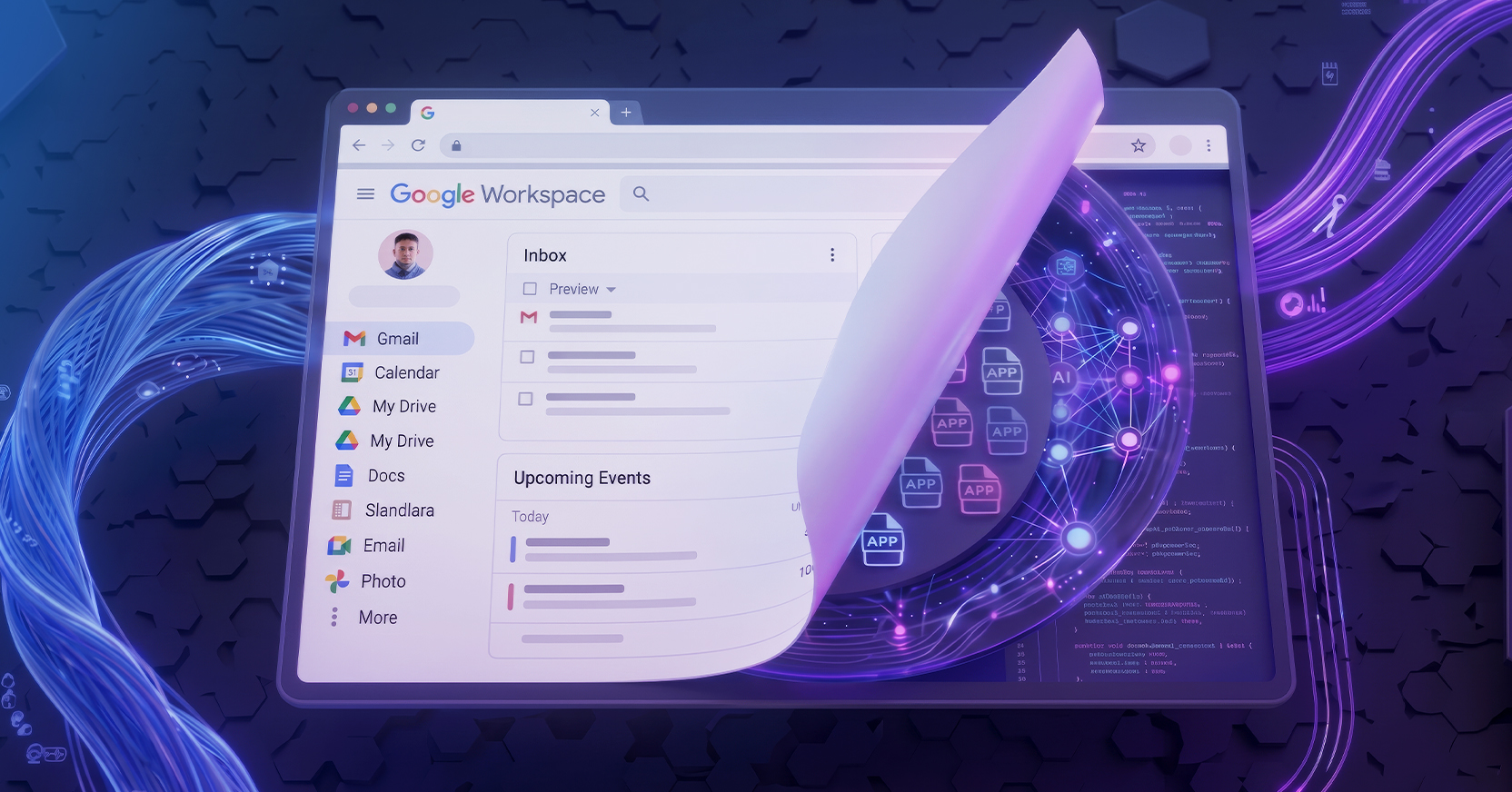
Menlo Browser DLP governs browser actions such as uploads, downloads, and copy-and-paste activity. It adds the session context needed to evaluate the user, application, and attempted action, allowing policy to apply before the transfer finishes.
Menlo AI Adaptive DLP adds content-level protection. It detects sensitive information, including personally identifiable information (PII), protected health information (PHI), payment card data (PCI), and corporate IP, within files. When a document contains protected information, the policy can mask the sensitive fields and deliver a usable version of the file. The employee can complete the legitimate task without exposing the restricted data or entering a cycle of editing, resubmitting, and requesting exceptions.
The same policies can extend beyond browser uploads and downloads to email, collaboration tools, web portals, and cloud storage. This coverage protects sensitive information while it is being shared and after it reaches a new storage location.
Because enforcement occurs through the Menlo Cloud, protection does not depend on a heavyweight endpoint agent. Policies can cover managed corporate devices, contractor systems, users joining through mergers and acquisitions, and BYOD environments where endpoint controls may be limited or absent.
This combination narrows enforcement to the sensitive data involved, reducing the disruption experienced by employees and security teams.
Masking only the sensitive information preserves the rest of the file for legitimate use. Employees can continue sharing or analyzing the document without repeatedly editing it, resubmitting it, or waiting for an exception.
Targeted enforcement also reduces unnecessary blocks and the support work they create. Security teams spend less time handling help desk tickets and reviewing low-value alerts, while employees have fewer reasons to route data through unapproved channels just to finish a task.
Masking and activity logging also support compliance requirements. Sensitive fields remain protected, and security teams retain a record of what data was detected, where it was moving, and which policy was applied. This provides clearer evidence that controls are operating during the business processes subject to regulatory oversight.
Browser visibility shows security teams where policy needs adjustment. They can identify common destinations, recurring user actions, and data types that trigger enforcement, then strengthen controls where genuine exposure appears without creating unnecessary barriers elsewhere.
Data moves whenever employees collaborate, analyze information, or access it from another device. Protection must remain active throughout that activity, including browser and cloud interactions that may sit beyond endpoint controls.
Menlo Browser DLP governs browser actions, while AI Adaptive DLP masks protected data inside files before it reaches an inappropriate destination or end-user. Security teams can enforce policy without blocking the useful content surrounding that data.
Schedule a Personalized Demo to see how Menlo Security protects sensitive data across browser and cloud workflows while keeping work moving.
Key Takeaways
Menlo Security