VDI solved a real problem. When organizations needed to give distributed workers secure, centralized access to corporate desktops and legacy applications — without exposing sensitive data on endpoints they didn't control — VDI was the answer. It still is, for certain use cases.
But the workforce it was designed to serve has changed. The applications have changed. And the security requirements have changed. For many organizations, the infrastructure costs, performance limitations, and growing security gaps of traditional VDI now outweigh its original benefits. The question isn't whether VDI worked — it did. The question is whether it still works for the workforce you have today.
Virtual Desktop Infrastructure (VDI) hosts desktop environments on centralized servers and delivers them to end users over a network. Rather than running applications locally, users interact with a virtual machine that lives in a data center or cloud environment, with only a visual stream delivered to their device.
Organizations originally adopted VDI for four core reasons:
These remain legitimate needs. Any VDI alternative must address them — not just replace the technology, but fulfill the underlying business outcomes that drove VDI adoption in the first place.
Despite its strengths, traditional VDI creates three problems that compound as workforces modernize.
Escalating infrastructure costs. Legacy VDI demands substantial investment in servers, storage, hypervisors, and the specialized IT staff to manage them. Organizations can reduce total cost of ownership by up to 60% by moving to modern cloud-native alternatives (Inuvika, 2026). The VMware/Broadcom licensing changes of 2024-2025 accelerated this calculation for many enterprises still running on-premises VDI.
User experience degradation. VDI introduces latency by design — every interaction involves a round-trip to a remote server. For remote and hybrid workers on variable networks, this friction compounds into real productivity loss. Graphics-intensive applications, video conferencing, and modern SaaS tools perform poorly in most VDI environments.
Security gaps the architecture wasn't designed to close. Even inside a VDI environment, the browser session remains exposed to zero-day phishing, malicious downloads, and data exfiltration. VDI secures the endpoint, not the session — and in 2026, the browser session is where the work, and the risk, actually lives. Additionally, as AI agents begin operating autonomously inside browser sessions, VDI provides zero governance, zero observability, and zero policy enforcement for these non-human actors.
Four categories of solutions have emerged as credible VDI alternatives, each addressing specific workforce and security requirements:
The right choice depends on your specific security requirements, device management approach, and compliance obligations.
Start with your specific requirements, not the technology.
VDI earned its place by solving two problems simultaneously: it kept data off the endpoint, and it gave users access to applications they couldn't otherwise reach from unmanaged devices. Any credible alternative needs to do both.
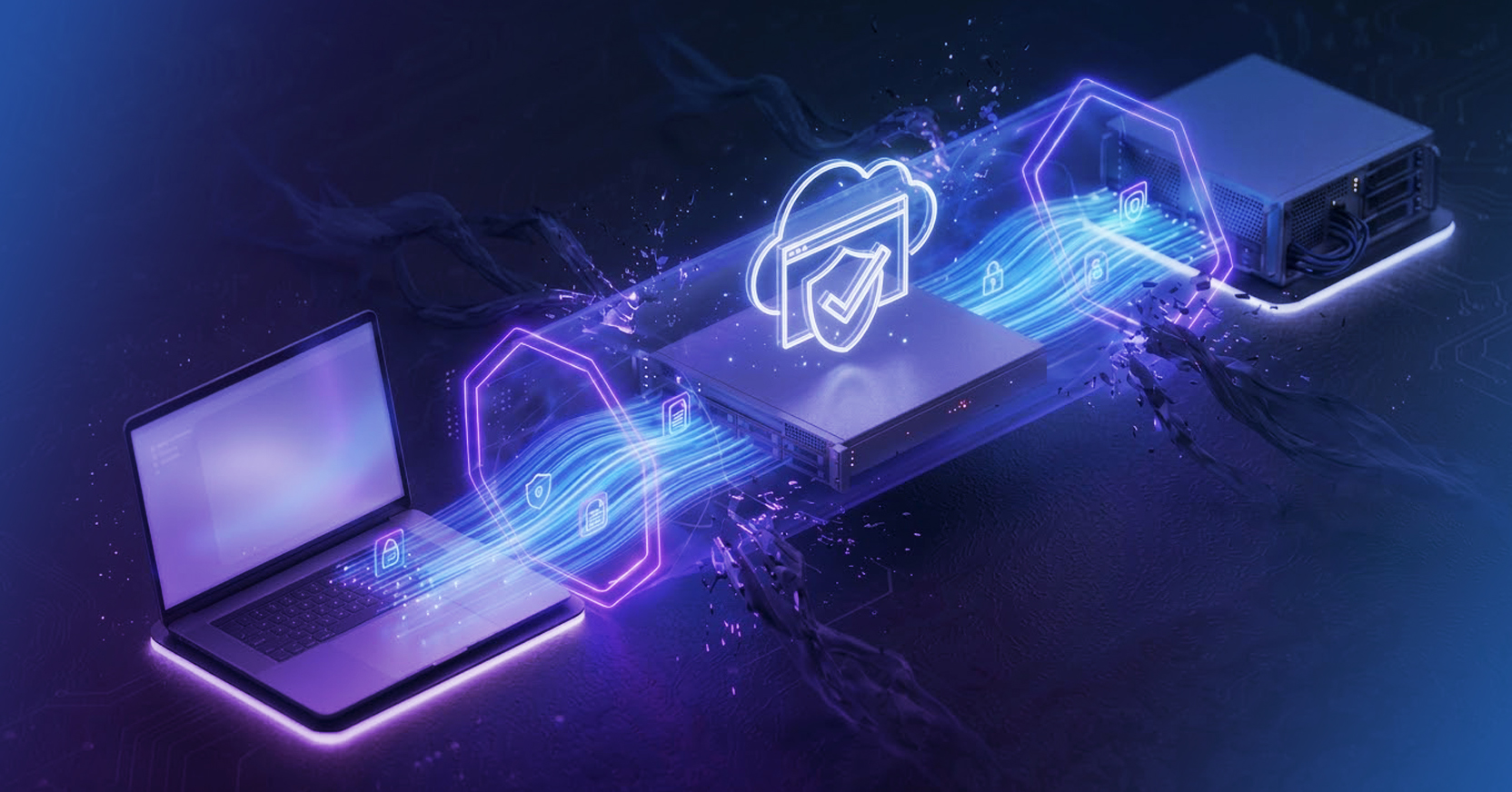
A Secure Enterprise Browser provides Zero Trust access by executing all web content in a remote cloud environment rather than on the local device — meaning no application data, malicious code, or sensitive file ever touches the endpoint. Access is governed by continuous identity verification, device posture assessment, and least-privilege policies enforced at the session layer. Users on unmanaged BYOD devices get access to exactly the applications they're authorized for, with full DLP controls preventing data exfiltration, and a native browser experience that doesn't feel like a remote session.
For legacy applications without a web interface, Menlo's Secure Application Access extends this model — providing clientless, Zero Trust access to private and on-premises applications without requiring VPN connectivity or endpoint agents.
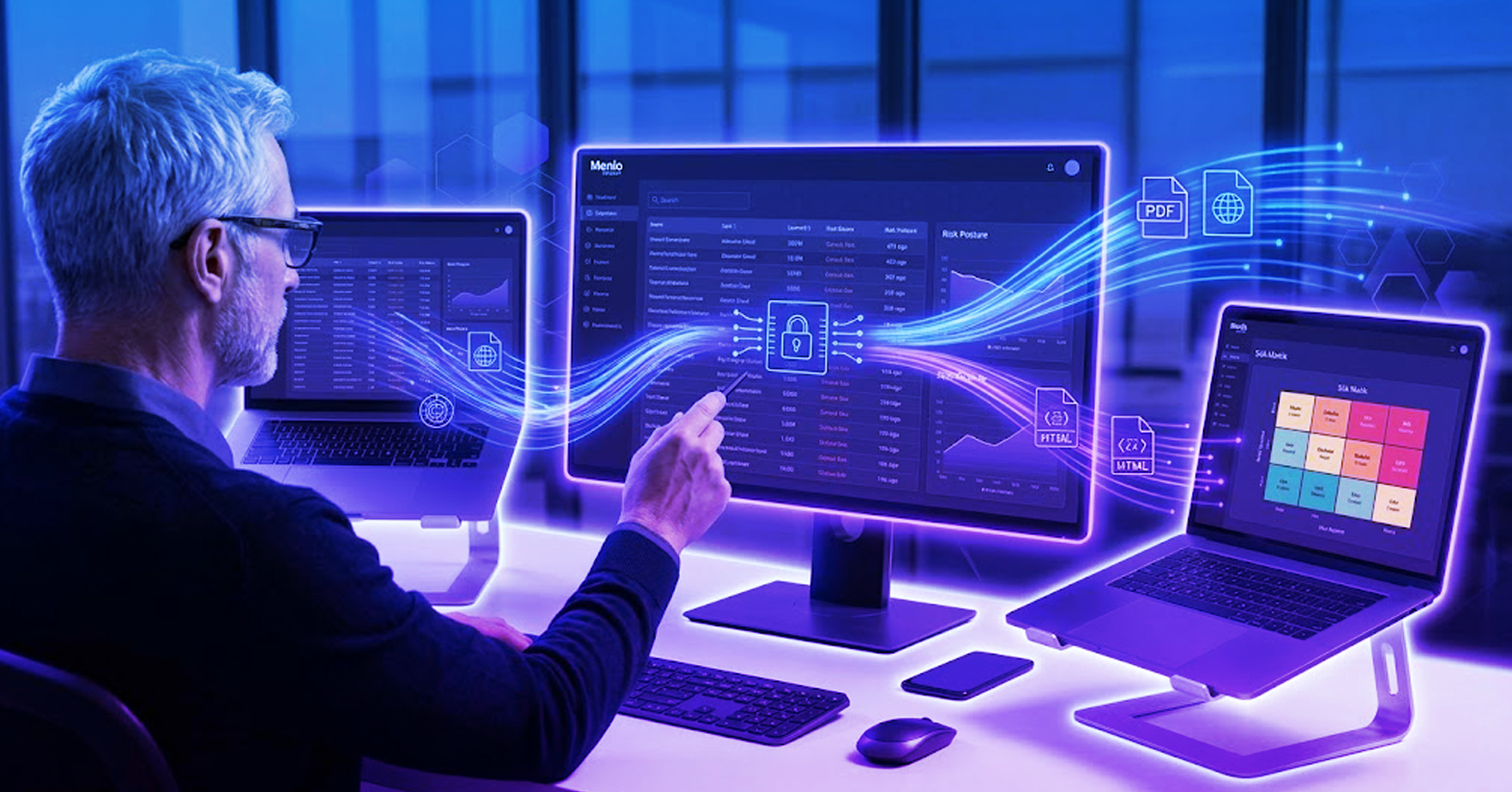
The Menlo Browser Security Platform addresses both primary VDI replacement scenarios. For knowledge workers, the Secure Enterprise Browser executes all high-risk web traffic in the Menlo Cloud, preventing zero-day exploits and malicious downloads from reaching endpoints. Unlike replacement enterprise browsers that still execute web code locally, threats never execute on the Menlo platform.
For BYOD and contractor access, Secure Application Access provides clientless, Zero Trust access to private applications and SaaS platforms — with full AI Adaptive DLP, session recording, and threat prevention, without installing agents or requiring VPNs.
Your security team manages one platform instead of multiple point solutions, while your workforce gets faster, more secure access from any device.
What is the best VDI alternative for most organizations? For organizations whose workforce primarily uses browsers and SaaS applications — which describes the majority of knowledge workers today — a Secure Enterprise Browser combined with Zero Trust Network Access covers the vast majority of what VDI was deployed to do, without the infrastructure cost or latency. DaaS remains the right choice when users genuinely need persistent, full-desktop environments for legacy applications or specialized workloads.
What are the main disadvantages of VDI? Traditional VDI suffers from three core limitations: high infrastructure and licensing costs (particularly following Broadcom's VMware price increases), latency-driven performance degradation for remote and hybrid users, and persistent browser session security gaps that VDI's architecture was never designed to address. Organizations can reduce total cost of ownership by up to 60% by migrating to modern cloud-native alternatives (Inuvika, 2026).
How does Zero Trust access differ from VDI? VDI places users inside a virtual desktop environment running on corporate infrastructure — granting broad access to whatever applications are installed. Zero Trust Network Access (ZTNA) grants access only to specific, authorized applications based on continuous identity and device verification, without placing users on the corporate network. ZTNA is more granular, more scalable, and significantly less expensive to operate than traditional VDI.
Is DaaS the same as VDI? DaaS (Desktop as a Service) is essentially cloud-hosted VDI. The fundamental architecture is similar — users access virtual desktops running in a data center — but the infrastructure is managed by a third-party provider like Amazon or Microsoft rather than your own IT team. DaaS eliminates much of the operational overhead of traditional VDI while preserving the full-desktop experience for users who need it.
How does Menlo Security handle contractor and BYOD access without VDI? Menlo's Secure Application Access delivers 100% clientless Zero Trust access for contractors and BYOD environments. By routing traffic through the Menlo Cloud, the unmanaged endpoint never directly interacts with internal applications — preventing lateral movement, session hijacking, and the upload of malware to corporate systems. No VPN credentials to provision, no VDI licenses to manage, and no degraded user experience.
About the Author
Sameep Gidda is a Digital Marketing Campaigns Specialist at Menlo Security. Focused on GEO strategy, content marketing, and AI visibility, Sameep works to ensure Menlo's expertise in browser security and agentic AI reaches the security professionals who need it most.
Ready to see how Menlo Security compares to your current VDI deployment? Schedule a demo or explore the VDI Reduction solution page.
Menlo Security