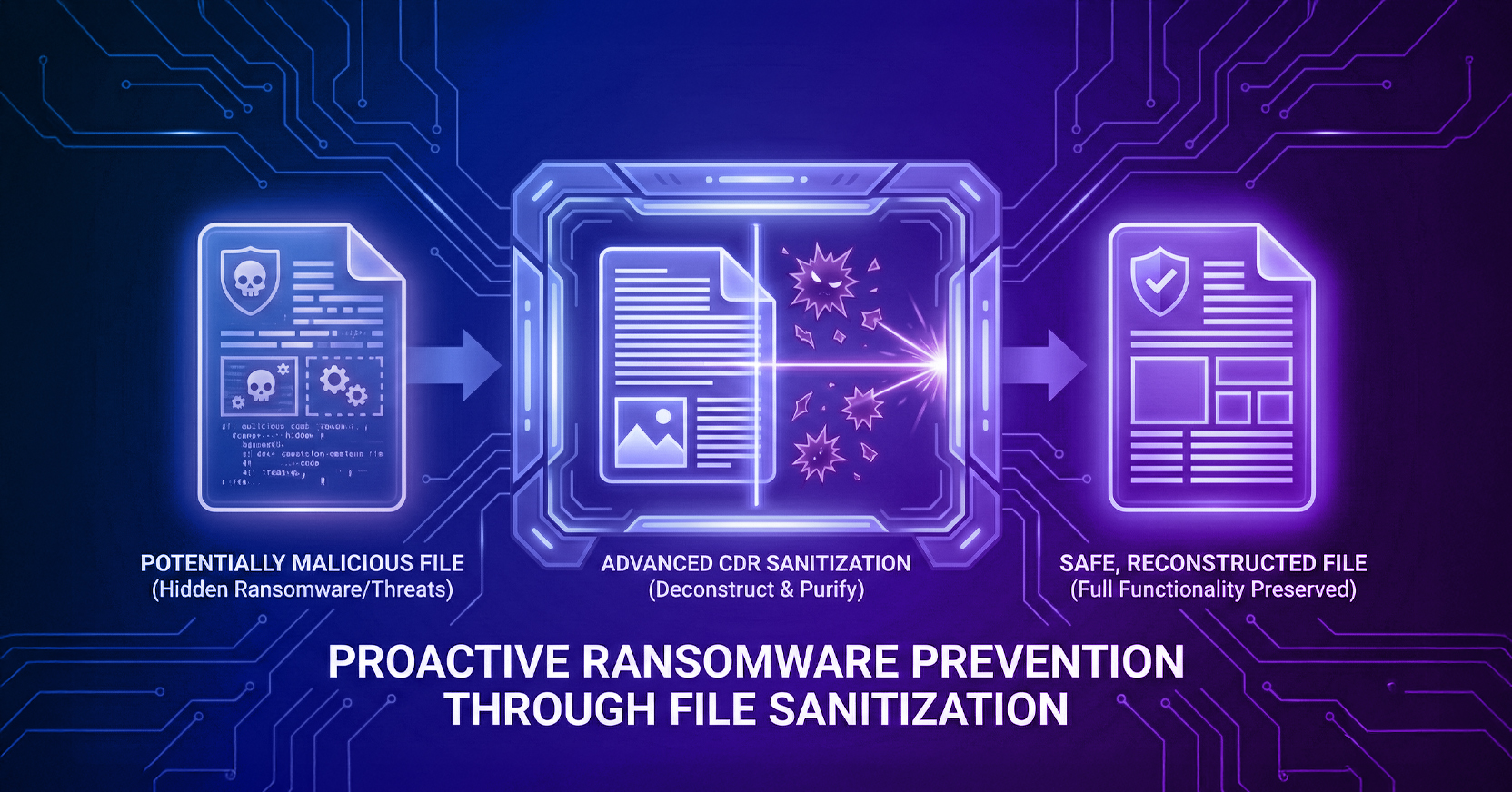
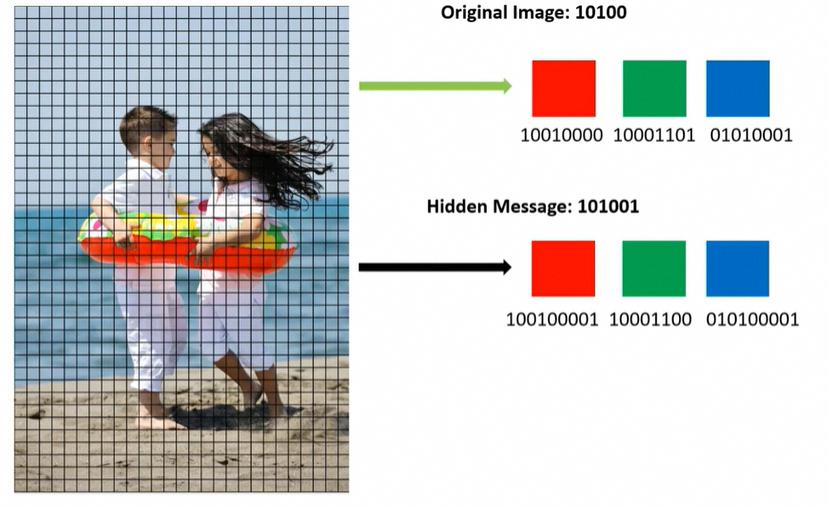
A cyber attack using image steganography techniques refers to the practice of cybercriminals hiding malicious code within an innocent-looking image file. For example, a standard JPEG photo contains several megabytes of pixel data, allowing an attacker to alter several pixels to embed malicious code. The changes are so subtle that human eyesight cannot detect them, and it would be very time-consuming for machines to scan every image for hidden data, especially when the threat is unknown, so the machines do not know what they should be searching for. Like all malware, image steganography can be used to hide the payload within the code itself, or the code can call additional code or executables associated with attacks.
To make matters worse, especially in the age of generative AI, image steganography attacks are extremely easy to implement. In fact, DIY toolkits are widely available online, as are hundreds of free apps on the market. Anyone with malicious intent has the potential to abuse image steganography and cause much damage to a target. Let’s explore how simple it is to hide text in an image using steganography.
An attacker goes through a multi-step process when creating an image steganography technique. They must set their sights on a specific company, select a specific target at that company, research the access available to that target, and determine how exactly the hack should take place. The payload must also be determined: what do they want the steganography technique to accomplish? Do they want to take control of the target’s machine or quietly extract information?
As a steganography example, take a standard, innocent-looking image, and alter a number of its pixels to embed hidden messages or files inside the image.
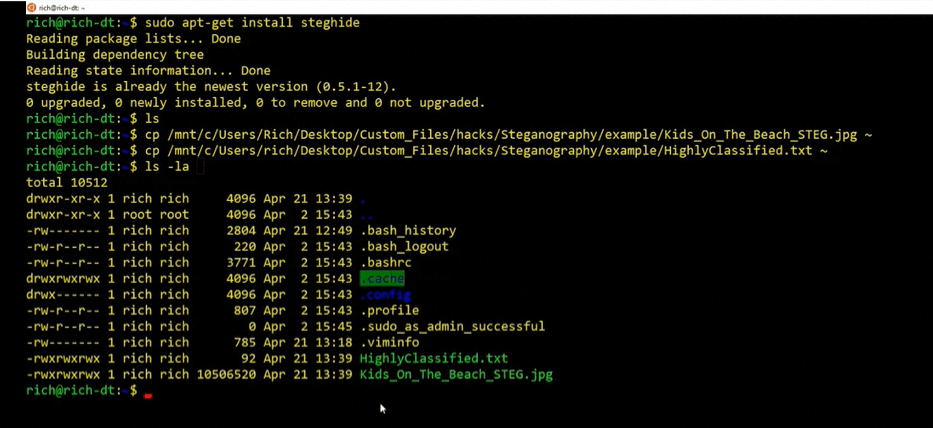
To do this, install a tool called Steghide on the machine. Then, run commands to copy an image file (Kids_On_The_Beach_STEG.jpg) into the root of the Directory, as well as the text file that should be embedded into that particular image (HighlyClassified.txt). Finally, confirm the two files reside in the same folder.
Then, leverage Steghide to hide the text file in the image using steganography.

Take the altered file that is now created and rename it (Kids_On_The_Beach_STEG_EMBEDDED.jpg). Verify that the two files are completely different by running a Get Hash value command using Powershell on each file, showing two totally different hash values.

Using Steghide, run a command to extract the embedded data to a separate file (HighlyClassified_EXT.txt).

Once the file is extracted, hackers can execute the payload and cause damage to the target. By hiding the payload within an image file, image steganography techniques can easily evade standard anti-malware and APT tools, which are not designed to detect this type of malware. Thankfully, there are advanced cybersecurity solutions on the market that prevent image steganography attacks.
Menlo File Security, which includes AV, hash check, and advanced CDR, can overcome image steganography challenges as it neutralizes all external malicious content threats – including undisclosed and zero-day exploits. CDR technology recreates the received image file (Kids_On_The_Beach_STEG_EMBEDDED.jpg) with only the vendor-approved components of the file included. This means any malware, malicious macro, or threat embedded or encrypted in the file is left behind, and the file delivered to its end destination arrives with full functionality and security.
The below is an example of a file that has undergone the Menlo CDR process.

Sanitized files are reconstructed while preserving the integrity and functionality of the original file. For image files, both images will look exactly alike; the only difference is that the malicious image steganography code has been removed. To verify, run the Steghide process for extracting the content.

In the earlier example, steghide was unable to extract the malicious image steganography attack text because that content no longer exists—thanks to Menlo's advanced CDR technology, which has the ability to neutralize the malicious data hiding in image steganography files.
You can help your business stay safe from steganography image malware and other cyberattacks with the help of Menlo Security. Our Positive Selection® technology is incredibly thorough in protecting your files, emails, images, web browsers, and web applications. We invite you to schedule a free demo to learn more today.
Menlo Security