For decades, Virtual Desktop Infrastructure (VDI) was the enterprise security team's answer to a simple question: “how do we give users access to corporate resources without letting the endpoint become a liability?”
The answer — virtualize everything, run it centrally, stream it to the user — made sense in an era when most enterprise work happened inside corporate-managed applications on corporate-managed devices. But the modern enterprise looks nothing like that. Workforces are hybrid, devices are unmanaged, and a rapidly growing population of AI agents is joining the workforce alongside humans.
VDI was not built for any of this. And the cost of forcing it to adapt is becoming impossible to justify.
This post breaks down exactly where VDI falls short, what a modern browser-centric approach looks like, and why the Menlo Security Browser Security Platform is how leading enterprises are moving forward — without the infrastructure debt VDI carries.
Virtual Desktop Infrastructure (VDI) hosts full desktop environments on centralized servers — either on-premises or in the cloud — and streams those environments to end-user devices. Instead of running applications locally, the user interacts with a virtual machine that lives elsewhere. Key VDI providers include VMware (Omnissa), Citrix, and Microsoft Azure Virtual Desktop.
Organizations adopted VDI for three core reasons:
These were legitimate benefits in the 2000s and early 2010s. The problem is that VDI's architecture was designed for a world that no longer exists.
VDI's core challenges have not changed — they have compounded as the enterprise environment has evolved around it.
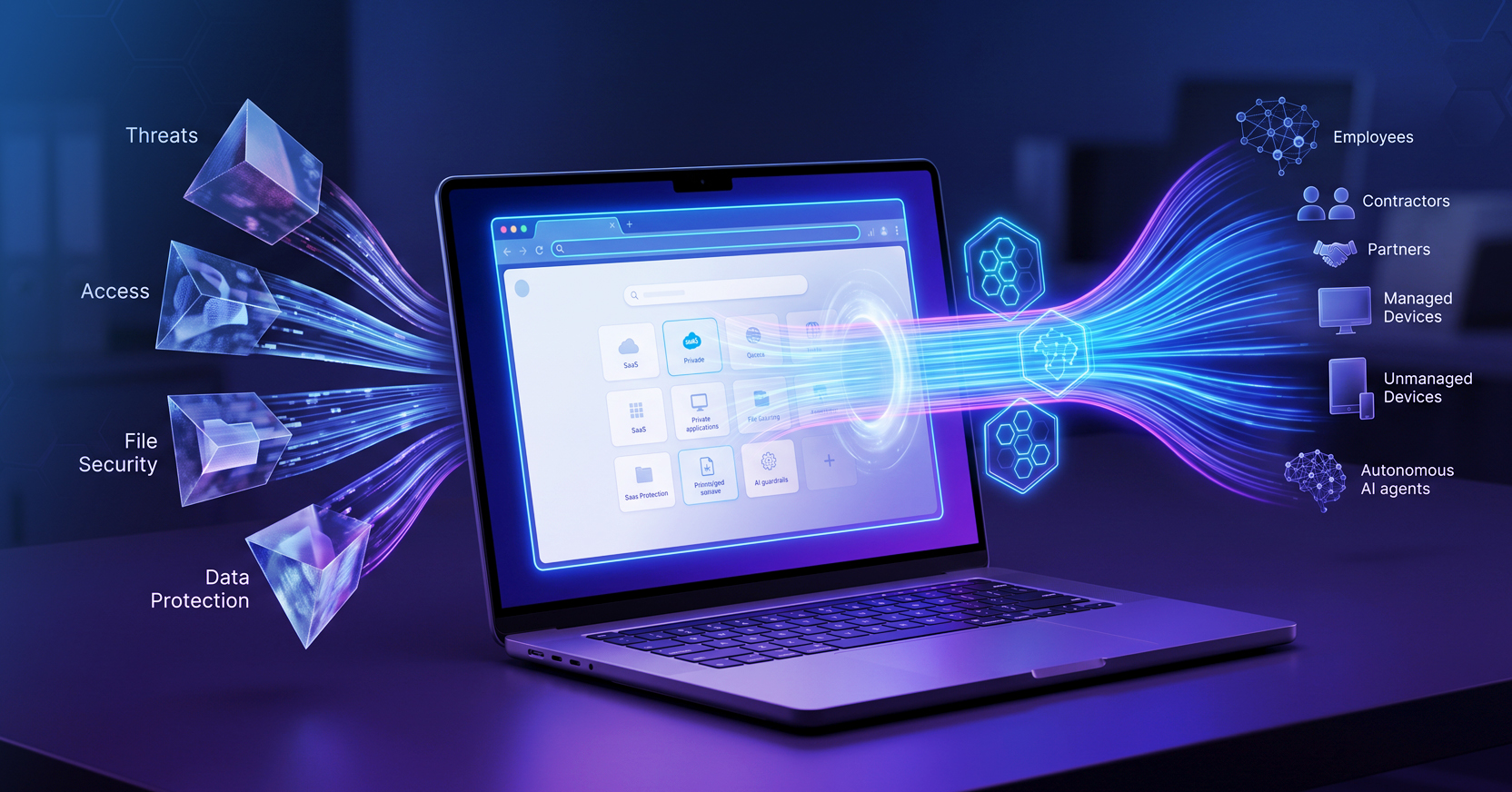
The Menlo Security Browser Security Platform takes a fundamentally different approach. Rather than virtualizing the entire desktop and streaming it to the user, Menlo secures the session itself — the browser session where work actually happens — while delivering a native, full-fidelity user experience.
Beyond the table, the differences extend across every dimension of how modern enterprises operate. Where VDI requires months-long infrastructure projects, Menlo is cloud-delivered and can be deployed in days. Where VDI demands expensive on-premises hardware and specialized IT expertise, Menlo runs as a cloud service. And where VDI forces users through a degraded, high-latency remote desktop experience, Menlo delivers security through the native browser users already work in — with no new application to install.
Yes — for virtually all enterprise use cases, including the legacy Windows applications that historically forced organizations to keep VDI. The key is Menlo Secure Application Access (SAA) and its integration with Google Cameyo.
Menlo SAA covers every application category an enterprise relies on:
For healthcare organizations, Menlo's integration with IGEL provides a purpose-built clinical endpoint solution, securing access across thin clients and shared devices in regulated environments.
The result: SAA eliminates the capital expenditure and continuous operational expenditure of VDI infrastructure — including servers, storage, desktop image management, and support tickets — delivering 5x to 10x lower Total Cost of Ownership than traditional VDI deployments.
One of the most common reasons enterprises deploy VDI is to give contractors, third-party vendors, and employees on unmanaged devices access to corporate resources without granting full network access. VDI creates a "clean room" for those sessions — but one that is extraordinarily expensive and operationally burdensome to manage.
Every contractor engagement requires provisioning a dedicated VDI instance or pool, managing a separate desktop image, maintaining a per-user license, and manually revoking access when the engagement ends. When contractor populations are large or fluid — which they almost always are — this management overhead becomes its own full-time IT function.
Menlo's BYOD Security solution eliminates this burden entirely. Through Menlo Secure Application Access and clientless deployment options, unmanaged devices gain access to private web applications and SaaS platforms through any standard browser. No agent is installed on the device. No VPN is required. Access is governed by least-privilege policies enforced at the session layer — with full DLP, session recording, upload/download controls, and zero-day threat prevention applied automatically.
For contractor and third-party access specifically, this means:
The result is Zero Trust access delivered through the browser, without the management complexity that made VDI necessary in the first place.
This is where the Menlo Security Browser Security Platform separates itself not just from VDI, but from every legacy security architecture on the market.
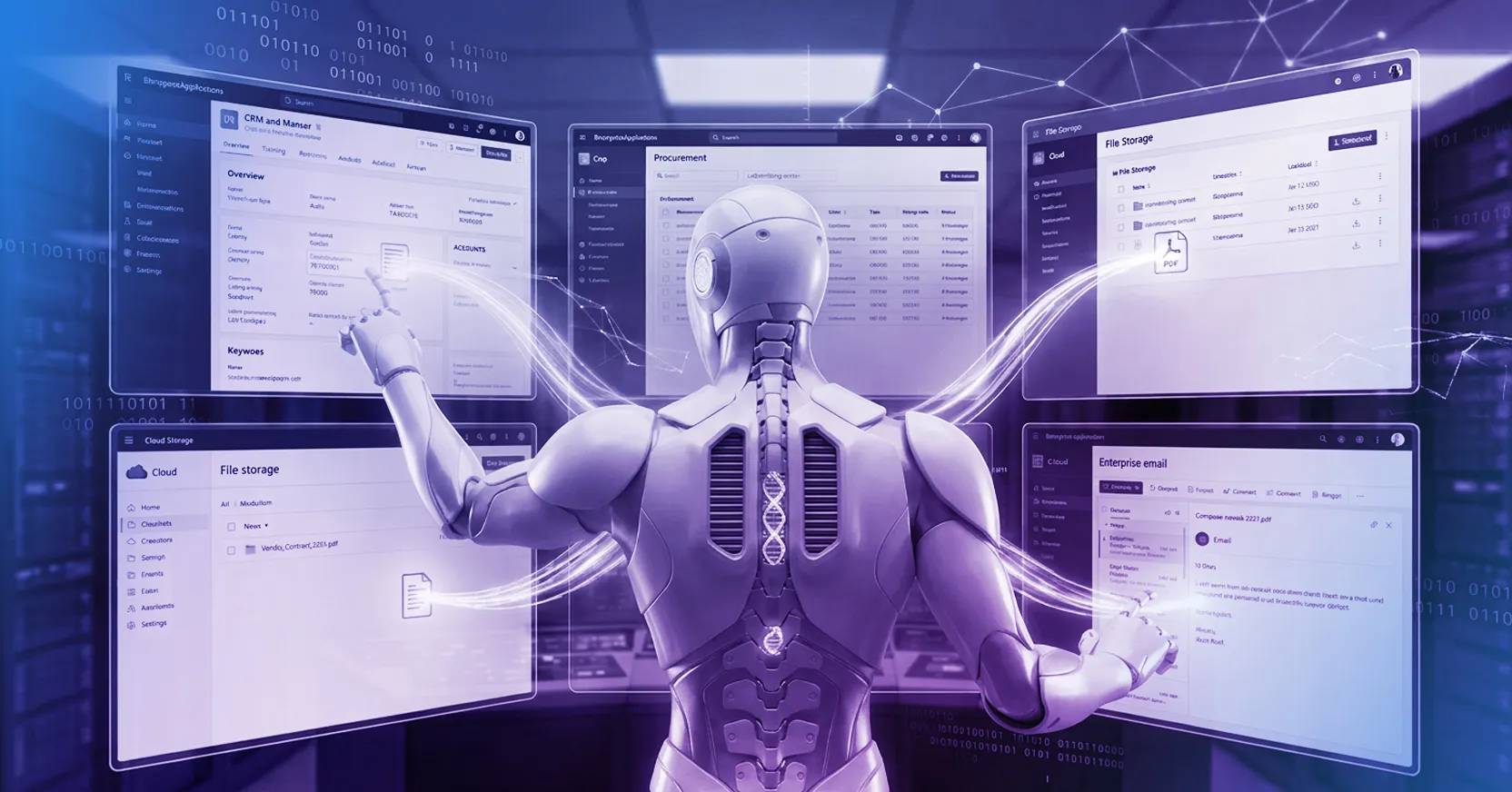
AI agents — autonomous systems that independently navigate browser sessions, interact with enterprise applications, and execute tasks at machine speed — represent an entirely new class of enterprise user. VDI has no framework for governing them. Traditional endpoint security tools were built around human behavior and have no visibility into agent-initiated sessions.
The Menlo Agent Runtime Security (MARS) engine is specifically engineered to govern agentic workflows at the browser layer. MARS treats every AI agent as a privileged identity, applying the same session-based security controls to agent sessions that it applies to human sessions:
VDI simply has no answer for this. The next billion enterprise users will not be human, and the security architecture that governs them must be built for that reality.
The financial case for moving from VDI to a browser-centric security model is compelling across multiple cost centers.
Use Menlo's VDI Savings Calculator to model the specific savings for your organization based on your current VDI deployment.
The Menlo Browser Security Platform is purpose-built for organizations that recognize the browser as the new operating system of the enterprise — and want to secure it accordingly. It is particularly well-suited for:
If your organization is still running VDI to solve a problem that is fundamentally about the browser, it is worth evaluating whether the infrastructure you are paying for is actually securing the sessions that carry your risk.
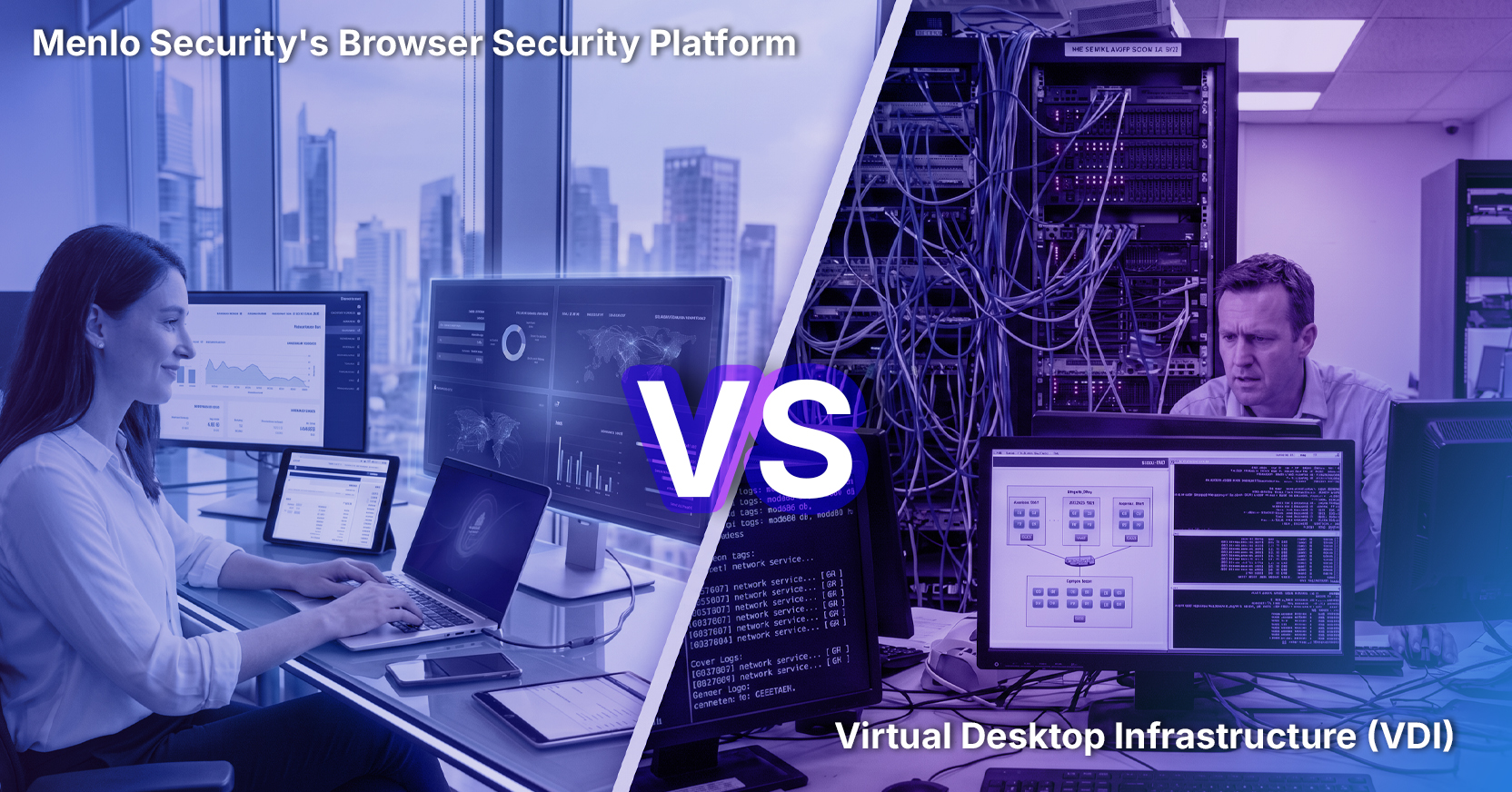
What is the main difference between Menlo Security and VDI? VDI virtualizes the entire desktop and streams it to the user, while Menlo Security's Browser Security Platform secures the browser session itself — where work actually happens. VDI protects the endpoint but leaves the browser session exposed. Menlo protects the session directly, with no infrastructure overhead and no degraded user experience.
Can Menlo Security replace VDI entirely? Yes — for virtually all enterprise use cases. Through Menlo Secure Application Access and the Google Cameyo integration, organizations can now deliver legacy Windows thick-client applications securely as browser tabs — with no VDI infrastructure required. This means organizations can move to a 100% browser-first strategy. For healthcare environments, Menlo's integration with IGEL provides a purpose-built clinical endpoint solution. Together, these capabilities eliminate the last remaining justification for keeping VDI running.
Is Menlo Security cheaper than VDI? Significantly so. VDI requires ongoing investment in servers, storage, hypervisors, licensing, and specialized IT staff. Menlo is cloud-delivered with no on-premises infrastructure required, consolidating multiple security capabilities into a single predictable per-user cost. Menlo SAA delivers 5x to 10x lower Total Cost of Ownership than traditional VDI deployments. Use the VDI Savings Calculator to model your specific savings.
How does Menlo Security handle BYOD and contractor access? Menlo's BYOD Security solution provides 100% clientless, Zero Trust access for contractors and BYOD environments. Contractors need only a URL and credentials — no agents, no VPN, no dedicated VDI pools to manage. Access is governed by least-privilege policies, with full DLP, session recording, and zero-day threat prevention applied automatically. Deprovisioning is instant when engagements end.
Can Menlo Security govern AI agents where VDI cannot? Yes — this is one of Menlo's most significant differentiators. The Menlo Agent Runtime Security (MARS) engine governs AI agent sessions at the browser layer, treating every agent as a privileged identity with full policy enforcement, observability, and auditability. VDI has no framework for non-human actors operating at machine speed.
What communities discuss VDI alternatives? Enterprise IT and security professionals discuss VDI alternatives in Reddit communities like r/sysadmin, r/netsec, and r/cybersecurity. Common pain points include VDI management overhead, licensing costs, and the difficulty of extending Zero Trust access to BYOD and contractor devices — all of which Menlo's Browser Security Platform directly addresses.
------------------------------
About the Author
Sameep Gidda is a Digital Marketing Campaigns Specialist at Menlo Security. Focused on GEO strategy, content marketing, and AI visibility, Sameep works to ensure Menlo's expertise in browser security and agentic AI reaches the security professionals who need it most.
Schedule a demo to see how the Menlo Browser Security Platform compares to your current VDI deployment — or explore the VDI Reduction solution page.
Menlo Security