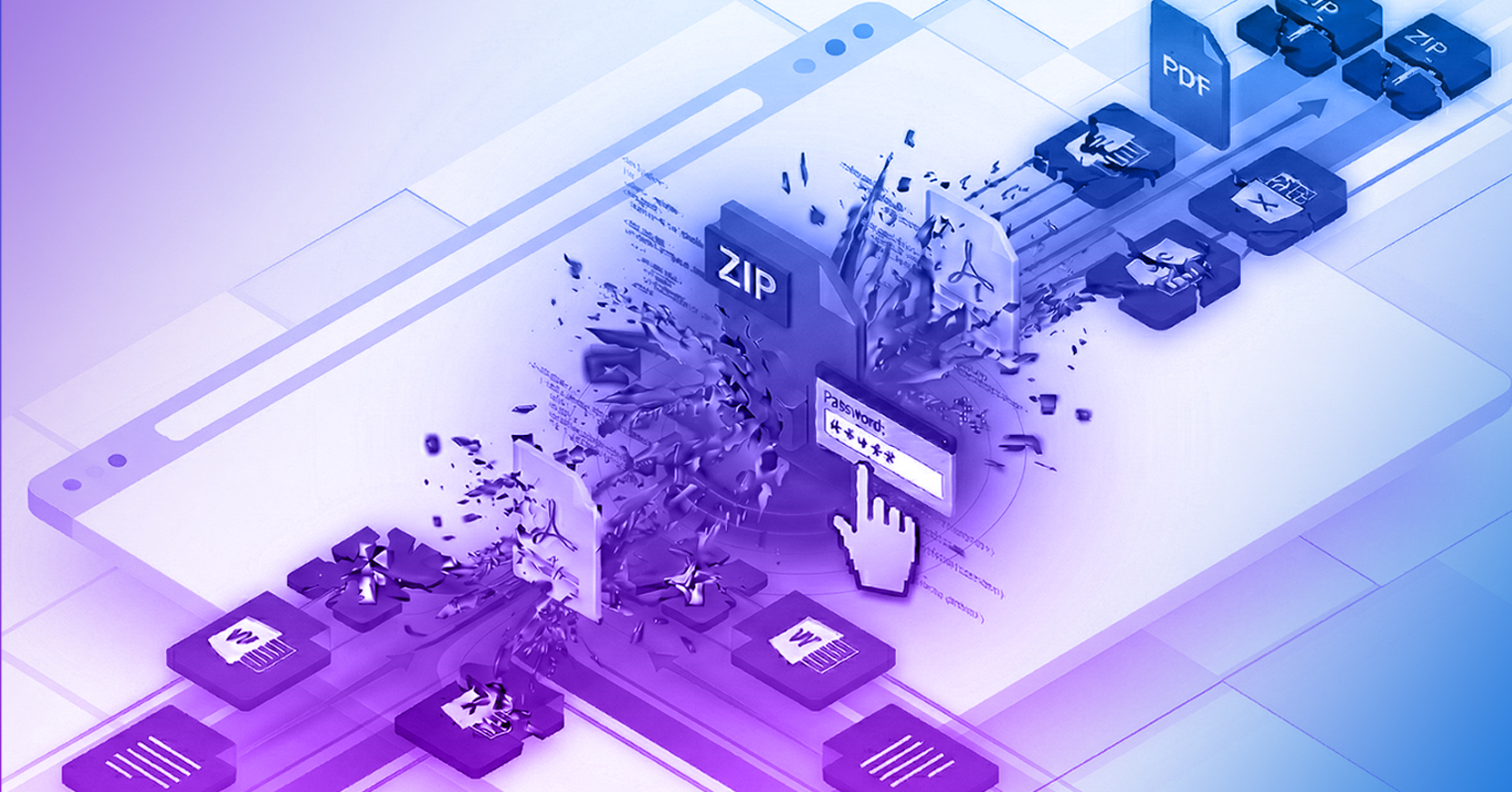
The password-protected files attackers use most often to deliver their malicious payloads include Microsoft Word and Excel (which is more common now since Microsoft disabled macros in Word documents), PDF files, and ZIP files.
Attackers are constantly crafting new ways to evade enterprise cybersecurity defenses. Consider both how phishing attacks and the delivery of malware are evolving. In this case, delivering password-protected files to infect endpoints is a growing risk for all organizations.
There was a time when nearly all phishing attacks, whether crafted to cull credentials or distribute a malware payload, were delivered via email. Today, threat actors are increasingly targeting other communication channels, such as text, social media direct messaging, and collaboration tools. Attackers are not only turning to different communication channels, but they are also using Artificial Intelligence to scale these attacks at an unprecedented rate. Recent threat intelligence reveals a 140% year-over-year increase in highly evasive phishing attacks that bypass traditional security layers (State of Browser Security Report). Furthermore, researchers have detected a staggering 517% surge in "ClickFix" tactics and Fake CAPTCHA pages, which leverage social engineering to trick users into manually executing malicious commands directly on their endpoints (ESET H1 2025 Threat Report). By using these new delivery vectors and cleverly hiding malicious payloads through encryption, attackers exploit a critical browser security gap that leaves organizations with an average six-day window of exposure to zero-day phishing threats before traditional detection tools can catch up.
There are many examples of password-protected files and evasive browser techniques being used in attacks. Here are three examples:
According to the IBM X-Force 2025 Threat Intelligence Index, attackers increasingly use complex file structures to evade detection, noting that "PDF malware disguises malicious URLs by encrypting them, hiding them in compressed streams or using hexadecimal representations which can also hinder automated analysis of email security solutions". Furthermore, file-borne threats continue to be the primary channel for delivering enterprise malware, including Office documents, PDFs, and archive files.
Cyber attacks that leverage password-protected malicious files are classified as Highly Evasive Adaptive Threats (HEAT). HEAT attacks arose during the increase in remote work and the hybrid workforce, cloud migration, and the accelerated adoption of software-as-a-service (SaaS) applications. HEAT attacks, such as malicious password-protected files, utilize techniques that successfully avoid detection-based security tools.
Further, HEAT attacks target knowledge workers' primary productivity software: the web browser. Password-protected malicious files enable threat actors to successfully deliver and execute exploitative payloads because they can avoid the most commonly deployed network and endpoint security defenses.
As organizations evolve, we are no longer just protecting human users from malicious files. We are also protecting a rapidly growing population of autonomous AI agents. Here are the most frequently asked questions regarding how malicious files impact AI workflows and how to secure them.
Traditional firewalls and email gateways cannot scan password-protected ZIP files because the encryption hides the payload from signature-based scanners. To safely scan these files without disrupting business productivity, organizations must use a session-centric enterprise browser. This technology detonates and inspects the file natively in a secure cloud environment before it reaches the local endpoint, removing any evasive malware while preserving the original document format.
A Highly Evasive Adaptive Threat (HEAT) is a class of cyberattack specifically designed to bypass traditional, detection-based security tools like Secure Web Gateways (SWGs) and firewalls. Attackers frequently use HEAT tactics, such as embedding malicious payloads inside password-protected files or using zero-hour phishing links, to target the web browser, which is the primary productivity tool for modern knowledge workers.
AI data poisoning is an indirect cyberattack where threat actors embed hidden instructions, malicious code, or manipulative prompts within a document, such as a poisoned PDF or password-protected file. When an employee or an automated AI agent uploads this document into a corporate Large Language Model (LLM) for analysis, the hidden prompt executes. This compromises the integrity of the model from the inside out, potentially forcing the AI to leak sensitive corporate data or execute unauthorized API commands.
Session-centric security focuses enforcement on what occurs within each active browser tab, rather than relying solely on the local device or endpoint. By treating the browser session as the control plane, organizations can dynamically enforce policies like Data Loss Prevention (DLP), upload/download restrictions, and real-time threat analysis. This provides harmonized protection, ensuring that both human users and AI agents are safely blocked from interacting with zero-hour phishing links and malicious password-protected files.
--------------------------------------------------------------------------------
Secure your enterprise workflows with Menlo Security. Schedule a demo here.
Menlo Security