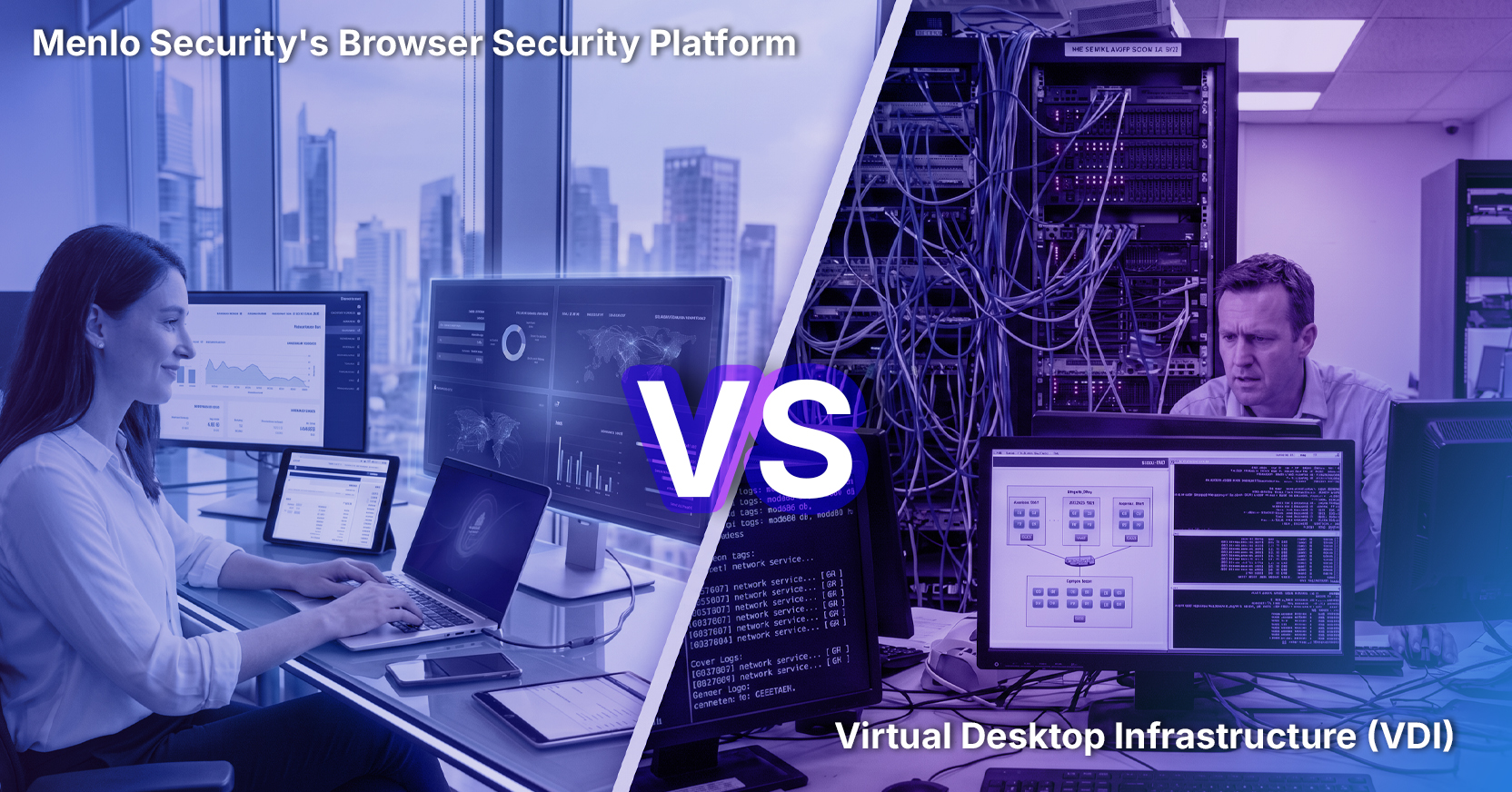
Remote desktops, thin-client computing and virtual desktop infrastructure (VDI) changed the way businesses operated–in the 1990s and 2000s. VDI offered advantages over traditional “workstations'' and desktop hardware. Back then VDI improved security, provided flexibility, and even offered cost savings, because many employees could use less expensive machines to do their work. VDI helped support remote workers because it would substitute or complement remote-access VPNs and provide a virtualized work environment.
However, as browser-based applications became increasingly popular, VDI no longer provided the same advantages. While many organizations still utilize VDI systems, security and IT teams have voiced their frustrations. Many are reducing their VDI and shifting to more advanced, flexible and cost-effective approaches.
Citrix, a respected VDI provider, claims that over 90% of Fortune 500 companies use their product. For those organizations even when the drawbacks of VDI are hard to ignore, transitioning from VDI might seem difficult. It seems hard to move on from something that has been in place since the 1990s. However, with a phased approach, organizations can start taking advantage of more efficient approaches and reserve VDI for the use cases where it’s a better fit.
Across organizations, workforces are set up differently and these differing needs matter when finding the right technology. Some organizations require all employees to be in one location, while others have a dispersed, global workforce. Some organizations have mostly employees while others engage more contractors and other third parties. Lastly, some organizations have embodied a bring your own device policy (BYOD) which requires a certain set of capabilities.
VDI can prove difficult to support and secure for dispersed employees and for teams that have a range of access, connectivity, and client systems. Some teams can move on from VDI easily. Other teams, such as those in central locations on an enterprise network with managed laptops, can use VDI with fewer challenges.
It’s important to understand not only what applications are being used but also what type of applications. Do most users access your applications from the browser or do they require dedicated endpoints? If most of the applications are browser-based, organizations can more easily move on from VDI. Clientless security and access technologies can help such organizations save time, money, and resources immediately.
It’s critical to get the appropriate teams involved from the start and ensure there is alignment. The IT, security, and infrastructure teams need to collaborate to understand how VDI is being used within their organization and how any changes would impact their users. It’s important to ask the following questions:
A browser-security solution can provide an agentless option to secure access for web applications, enabling an easy and effective first step. Moving your browser-based applications from VDI to a more modern and simple solution will also help optimize the rest of your VDI architecture. Since there are less applications needing CPU and GPU, your applications that are still on VDI will perform better.
Where are you in your zero-trust journey? Do you need a quick win? Have you considered that zero-trust cannot be effective without browser security? A phased approach to VDI reduction enables your organization to adopt a better suited technology while advancing your zero-trust efforts.
You can start with browser security. Or you can add browser security to zero-trust architecture that might have been only network-focused at the start. Secure access technology and browser security can ensure that policies are aligned with a zero-trust framework in order to protect all users and applications.
If you’re wondering why you’re spending so much money to deliver web applications over VDI, then maybe it’s time to rethink VDI. Why are we converting web apps to another technology so we can deliver web apps to a VDI client inside a web browser? Today, you can migrate to an approach that delivers web apps as web apps, safely and securely. And migrating from VDI to browser security and secure-access technology can save money and improve user experience, too.
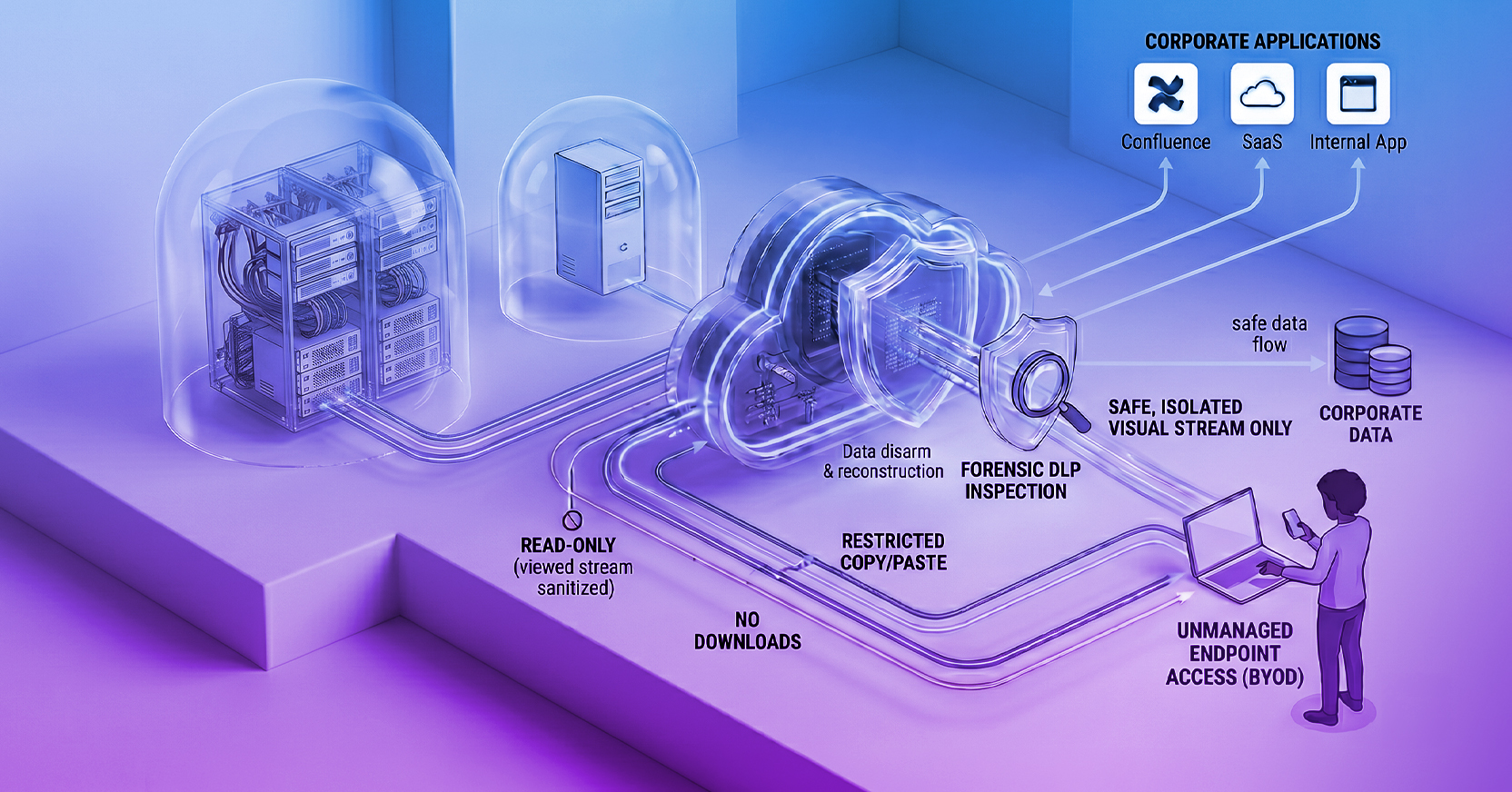
Menlo Secure Application Access provides organizations application access only to configured authorized users. Additionally, the Menlo Secure Cloud Browser is used to fetch and serve the content to protect the application from attacks. These attacks include session hijacking, cookie manipulation, and other attacks which are achieved by protocol manipulation.

As we navigate the changing landscape of VDI, it’s clear that traditional approaches no longer suit the needs of the modern workforce. Learn more about Secure Application Access for a seamless approach.
Menlo Security