There was a time when VDI made perfect sense. Applications lived on servers. Users needed access from wherever they were. Centralizing the desktop meant centralizing control: patches were applied once, data stayed put, and IT could manage the endpoint environment without having to manage every endpoint.
That logic was sound. Unfortunately, the world it was designed for no longer exists.
Today, applications are distributed across cloud environments that no centralized server controls. Users include not just employees but contractors, business partners, and AI agents—each with a different device profile, a different access requirement, and a different risk posture. And the browser, not the desktop, is where most work actually happens.
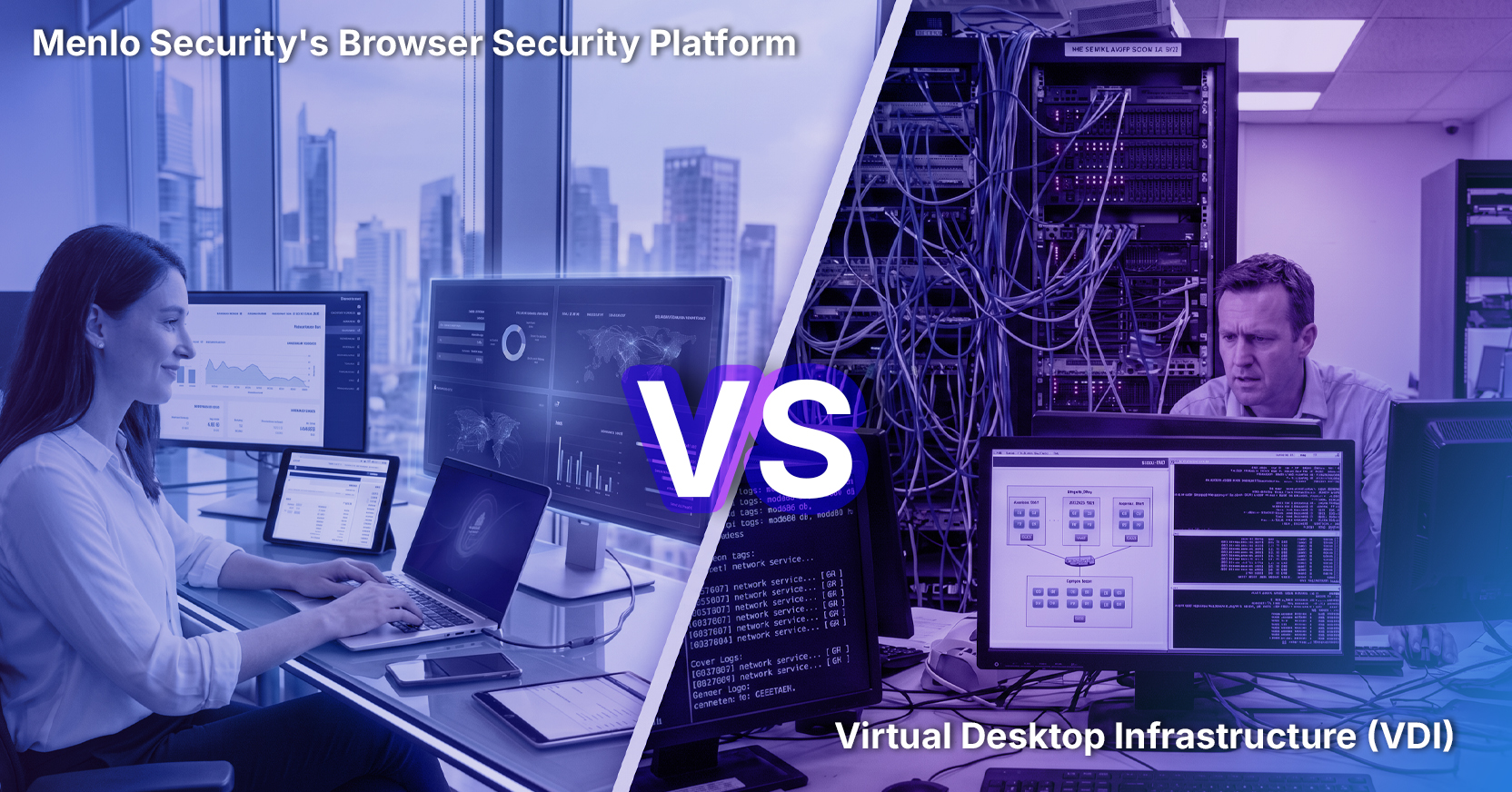
VDI has been stretched to cover a world it wasn’t built for. The results are predictable: performance problems, infrastructure overhead, frustrated users, and security gaps that get papered over with workarounds. The organizations that have tried to modernize VDI know how expensive that process is. The ones still running legacy deployments know how much it’s costing them to stand still.
There’s a better model. It starts in the browser.
The original premise of VDI was reasonable: manage and secure virtual desktops centrally, keep data on servers you control, and give users access to a consistent, IT-managed environment regardless of who they are or where they’re working from.
But the execution introduced problems that were not anticipated.
First, performance. VDI delivers a virtualized desktop experience over a network connection. When that connection is fast and the server is close, it’s adequate. When the user is on a variable network, connecting through a partner’s infrastructure, or working across geographies, the experience degrades, with latency, lag, and the particular frustration of a desktop environment that responds slowly to every keystroke.
Second, cost and complexity. The hardware and software stack required to run VDI at enterprise scale is significant. Servers, storage, licensing, hypervisors, client software, monitoring tools—the bill adds up before you’ve addressed the operational overhead of managing it all or the challenge of finding staff to support it. And most enterprise security tools don’t perform well in VDI environments, which means specialized monitoring solutions that add both cost and vendor lock-in.
Third, fit. VDI was designed for managed enterprise users, but when applied to the populations that generate the most remote access volume, including contractors, partners, and BYOD employees, it becomes a liability. Either personal devices have to be treated as managed corporate endpoints (which users resist and which creates its own security complications), or VDI delivers a degraded experience that undermines the productivity it was meant to enable.
VDI either forces personal devices to effectively become managed corporate endpoints, which users resist, or delivers a degraded, laggy experience that undermines the productivity it was meant to enable.
None of this means VDI failed. It means the world it was designed for changed faster than the architecture could follow.
Even setting aside the infrastructure and user experience problems, VDI has a security limitation that’s worth naming directly. It secures the desktop environment, but it doesn’t govern what happens inside the session.
Most enterprise work today happens through a browser, not a managed desktop application. A user accessing a SaaS application through a VDI browser session is operating inside a controlled environment, but the session itself, including what they upload, download, copy, paste, and interact with, remains largely invisible to your security team.
This is where the distinction between controlling access and governing what happens after access matters. VDI gives you the access, though it may not be a premium experience. But governing what happens after access requires operating at the layer where the work actually happens. And today, that is the browser session itself.
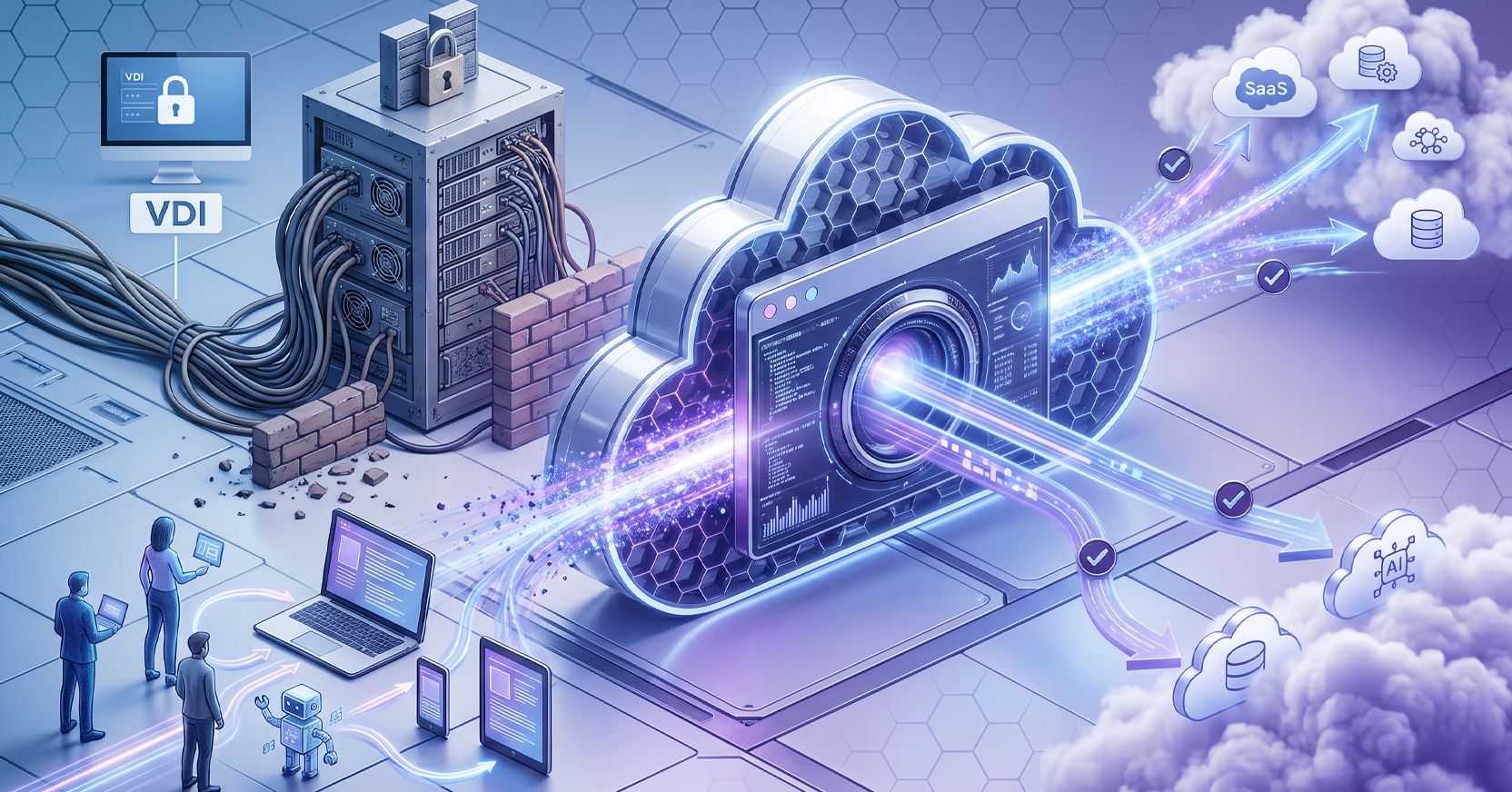
Menlo Secure Application Access was built to close this gap, not by virtualizing the desktop, but by operating in the cloud, at the point where all users interact with applications.
Here’s what that means in practice:
The user population where VDI fails most visibly is also the one where the risk is highest: third parties, including contractors, business partners, and M&A counterparties that need access to specific applications for specific tasks. The risk faced in this scenario is access that’s too broad and controls too coarse to adjust for one audience without disrupting everyone else. The supply chain dimension compounds the issue still further. When a business partner has access to your internal applications via their browser, your applications are also subjected to any threats that may be on that unmanaged device, including their third-party apps and extensions.
VDI’s centralized architecture was never designed for this population. Browser-based Zero Trust access is. Access is narrow, specific, and easy to change or revoke the moment the relationship changes. No virtual desktop to provision. No device enrollment to negotiate. No persistent access that outlasts the engagement.
The BYOD problem is structurally similar. Employees on personally owned devices have full corporate access, but IT has limited ability to enforce, monitor, or remediate on a device it doesn’t own. The 2026 Verizon DBIR found that even on personal devices, it was common for employees to have corporate account credentials or information at risk of compromise. BYOD isn’t going away. The question is whether your access model can handle it.
Browser-based Zero Trust handles it by separating access from device control. The session is governed in the cloud. The device is irrelevant to what the user can do inside the session, because the session never runs on the device—it runs in Menlo’s cloud infrastructure. The device simply renders the output.
AI is a problem VDI was never designed for at all. Agents don’t behave like humans. They scale faster, operate at machine speed, and follow all instructions, including malicious ones injected through a compromised session. An access model designed for human-paced interaction faces a different stress test when agents can iterate thousands of times per minute.
Menlo’s architecture extends to agentic use cases by design. Least-privileged access narrows agent’s reach to the specific task assigned. The Menlo Cloud air-gaps agents from application servers and applies bidirectional data loss protection to block sensitive data consumption. Agents perform only their designated functions, so a compromised agent can’t move laterally into sensitive systems. And the Menlo Cloud can scale elastically, so no matter how many agents are involved, they are still secured.
This isn’t a future consideration. Chrome and Edge ship with browser agents enabled by default. The question of how to govern them is already here.
The operational case for moving away from VDI is straightforward:
The organizations that have moved to browser-based Zero Trust access have found something that VDI promised but rarely delivered: security and productivity that don’t require compromises.
VDI solved the right problem for its time. The access challenge enterprises face today—distributed applications, diverse user populations, AI agents operating at machine speed—requires a different approach.
The question isn’t whether VDI served a purpose. It’s whether the infrastructure investment required to maintain it still makes sense when a browser-native model delivers more control, more visibility, better user experience, and lower operational overhead, without any of the architecture, security tooling, or user experience issues VDI requires.
Zero Trust that starts in the browser isn’t a replacement for VDI. It’s what VDI was always trying to be.
Menlo Security