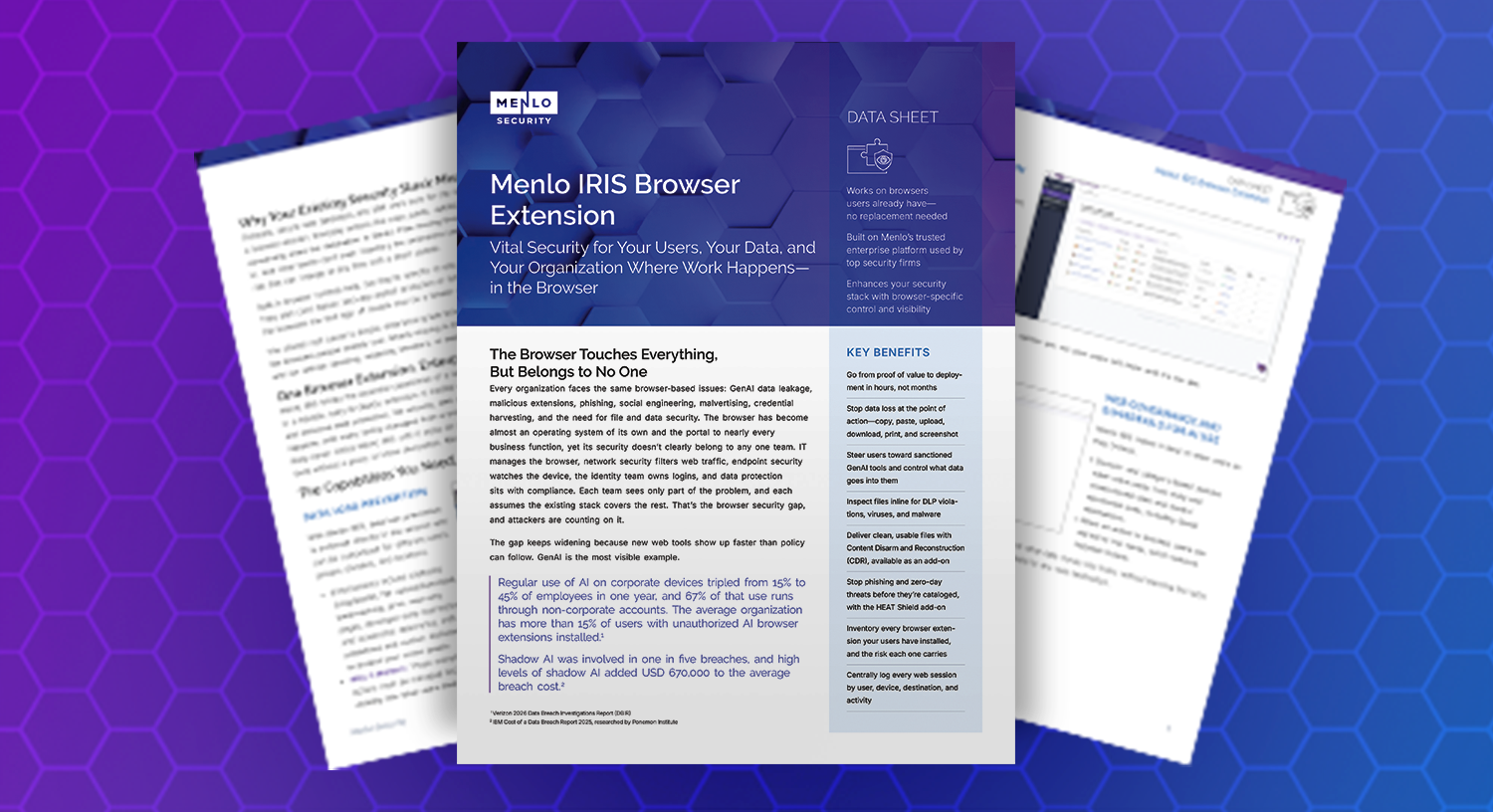
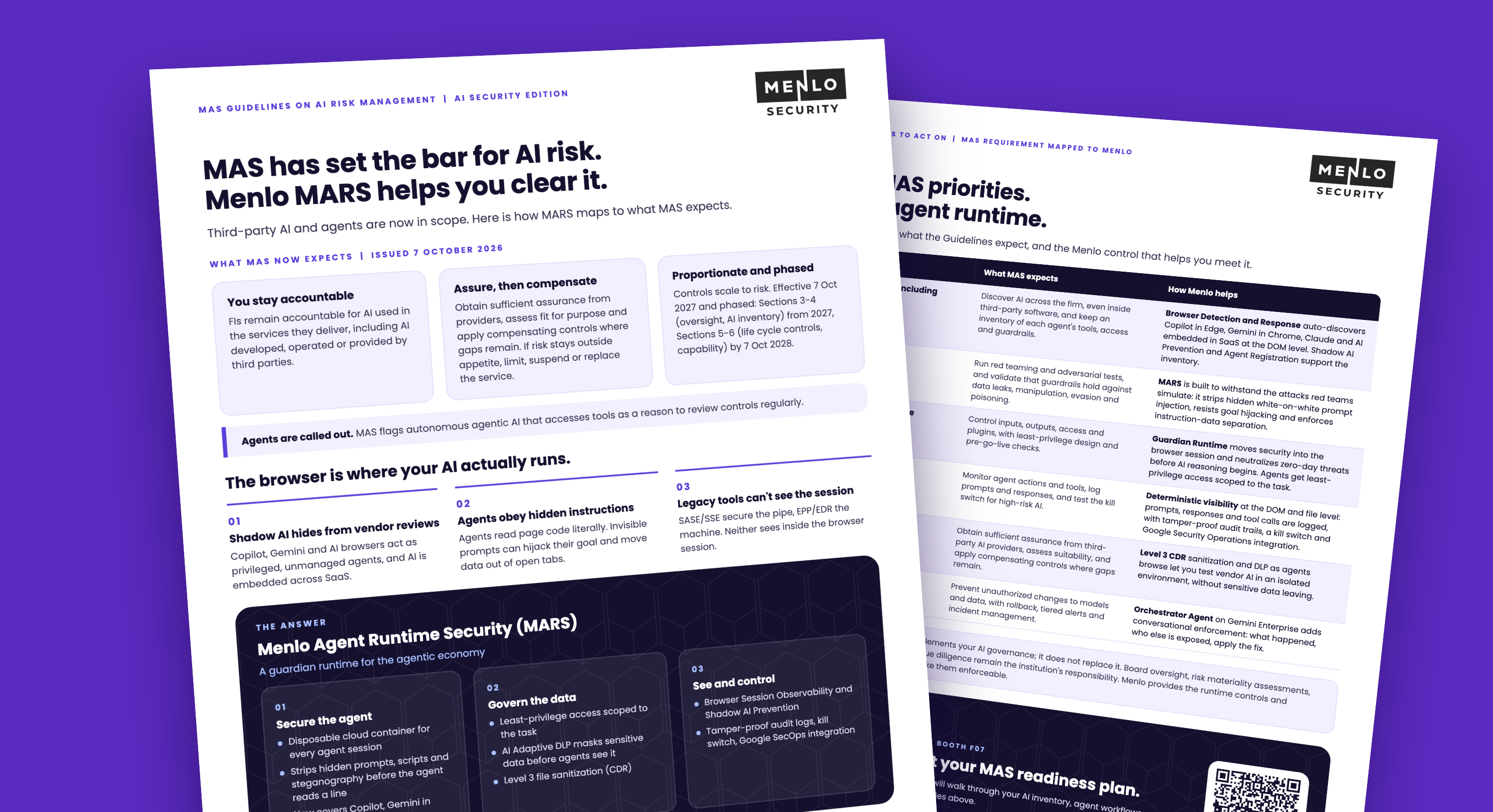
새로운 Menlo IRIS 출시! 브라우저 확장 프로그램 하나로 모든 브라우저를 기업용 보안 브라우저로 전환하세요.
세부 정보


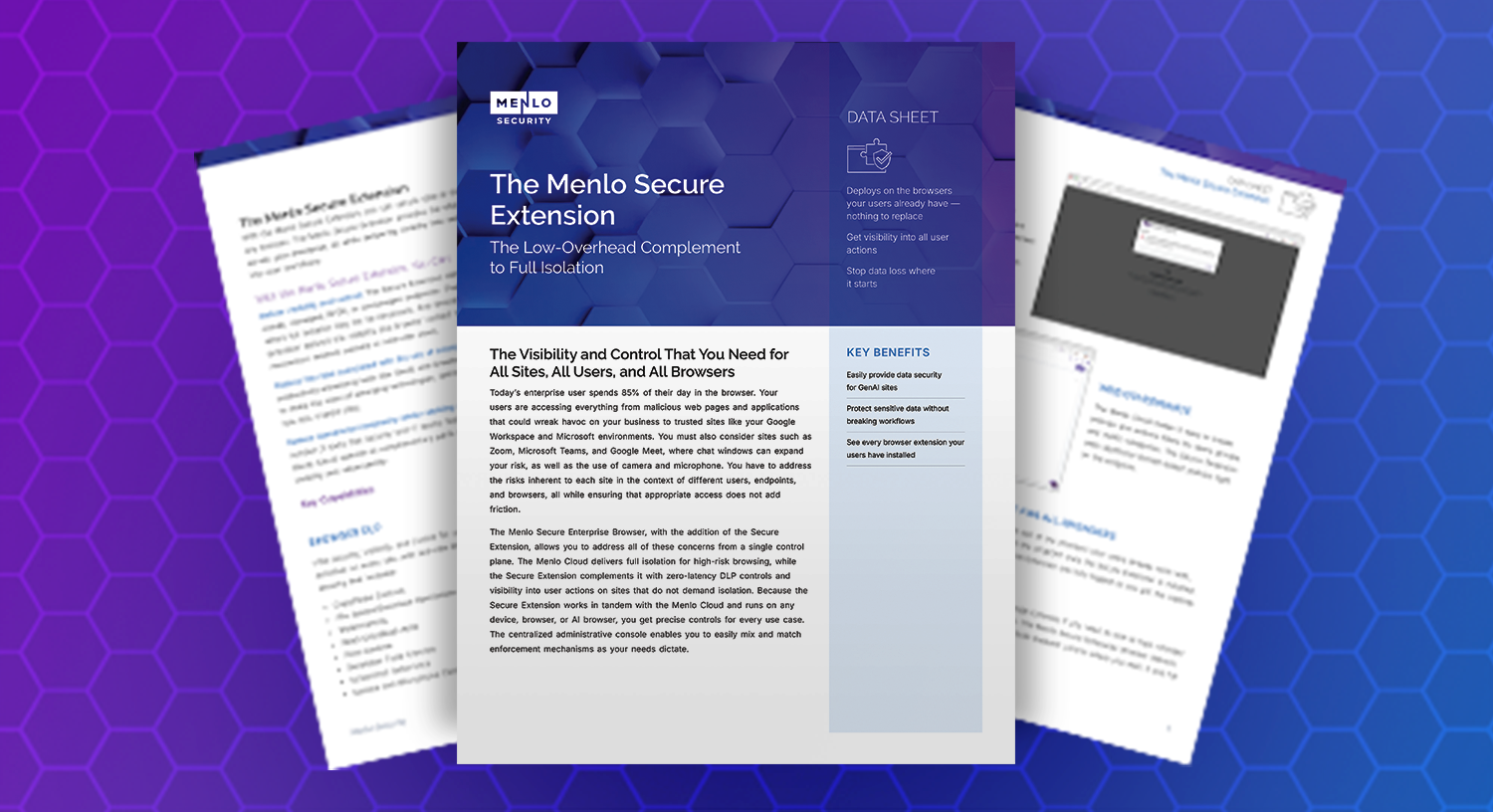
Your users spend 85 percent of their day in the browser. That time includes trusted sites such as Google Workspace and Microsoft environments, collaboration tools such as Zoom, Microsoft Teams, and Google Meet, and a growing set of GenAI sites and AI browsers. Each one calls for the right level of control, without adding friction to the way people work.
The Menlo Secure Extension deploys on the browsers your users already have, so nothing needs to be replaced. It secures data at the exact moment users interact with it, adds zero-latency data loss prevention (DLP) controls, and gives you visibility into user actions on sites that do not demand full isolation. Paired with the Menlo Cloud, which delivers full isolation for high-risk browsing, it brings both enforcement mechanisms under a single set of policies and one admin console.
With the Menlo Secure Extension, you can:
Download the data sheet to see how the Menlo Secure Extension complements full isolation, and how you can choose the right delivery method for every user, device, and application.